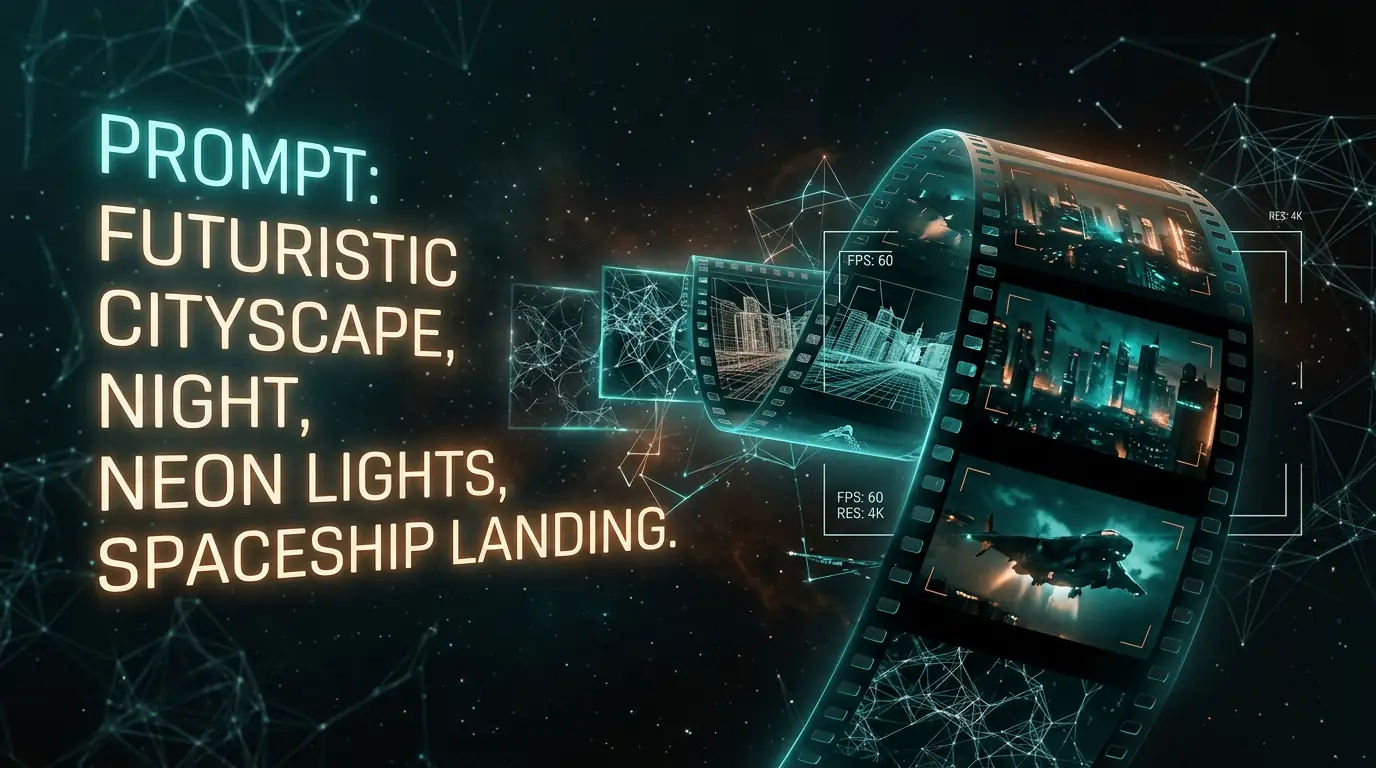
Create Videos from Text
with AI Video Generator
Describe any scene and watch it come to life as a high-quality video. Powered by state-of-the-art diffusion models with coherent motion and cinematic quality. Simply write what you want to see — the AI handles camera movement, lighting transitions, subject animation, and visual effects automatically. No filming equipment, actors, or video editing experience needed. Generate stunning videos in minutes.
From Text to Cinema-Quality Video
Describe any scene and watch it come to life as a high-quality video. Powered by state-of-the-art diffusion models with coherent motion and cinematic quality. Simply write what you want to see — the AI handles camera movement, lighting transitions, subject animation, and visual effects automatically. No filming equipment or video editing experience needed.
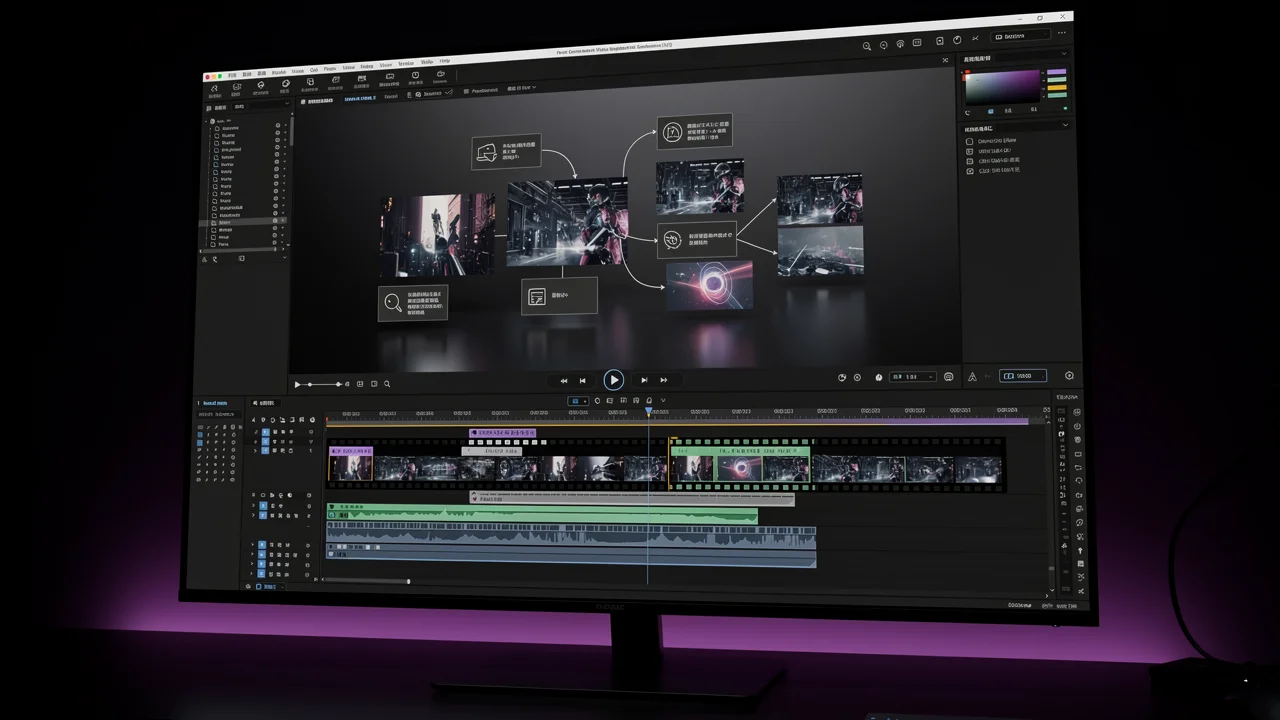
What Is AI Text to Video Generation?

AI text to video generation synthesizes moving visuals directly from text descriptions. Advanced diffusion models understand not just visual concepts, but also temporal flow — how scenes transition, how subjects move, and how camera angles change over time. The technology has evolved rapidly: early AI videos were blurry and inconsistent, but modern models like Veo 3.1, Kling 3.0 Pro, and Seedance 2.0 produce cinema-quality clips with coherent motion, realistic physics, and stunning detail. You describe a scene in natural language, and the model generates a video that matches your description frame by frame. Whether you need a cinematic establishing shot, a product demonstration, an animated character sequence, or a stylized art piece, text-to-video can bring your vision to life without cameras, actors, or editing software.
How to Use Our AI Text to Video Generator
Create stunning videos from text in three simple steps — no filming or editing experience required.
1. Describe Your Scene
Write a detailed prompt describing the video scene you want to create. Include camera movement, subject action, setting, lighting, and mood. Think of it like directing a scene — the more specific your description, the closer the AI matches your creative vision. For example: 'Slow aerial drone shot over a misty mountain range at sunrise, golden light breaking through clouds, cinematic 4K quality.'
2. Generate Your Video
Choose the AI model that best fits your project. Veo 3.1 for cinema-quality output, Kling for natural motion, or Seedance for rapid prototyping. Select your preferred duration, aspect ratio, and any additional settings. Hit generate and watch as the AI transforms your text description into a fluid, coherent video clip in under 60 seconds.
3. Download and Share
Preview your generated video, and download it in high resolution when you are satisfied. Every video comes with full commercial usage rights — use it in marketing campaigns, social media posts, presentations, or client projects. No attribution required. You can generate multiple variations to find the perfect take.
Best Practices for Text to Video
Follow these expert strategies to create compelling AI-generated videos from text descriptions.
Cinematic Quality Videos
Create videos with stunning visual quality powered by Veo 3.1, Kling, and Seedance. From short clips to cinematic sequences.
Multiple Duration Options
Generate videos from 5 to 10 seconds with adjustable duration. Perfect for social media, ads, or creative projects.
Precise Text Control
Describe exactly what you want — camera movements, scenes, moods, transitions. The AI understands detailed instructions.
Real-Time Preview
See your video generation progress in real-time. Watch as your text prompt transforms into moving frames.
Video Generation Styles
Different models offer different visual styles. Choose cinematic realism for professional projects, or stylized animation for creative work.
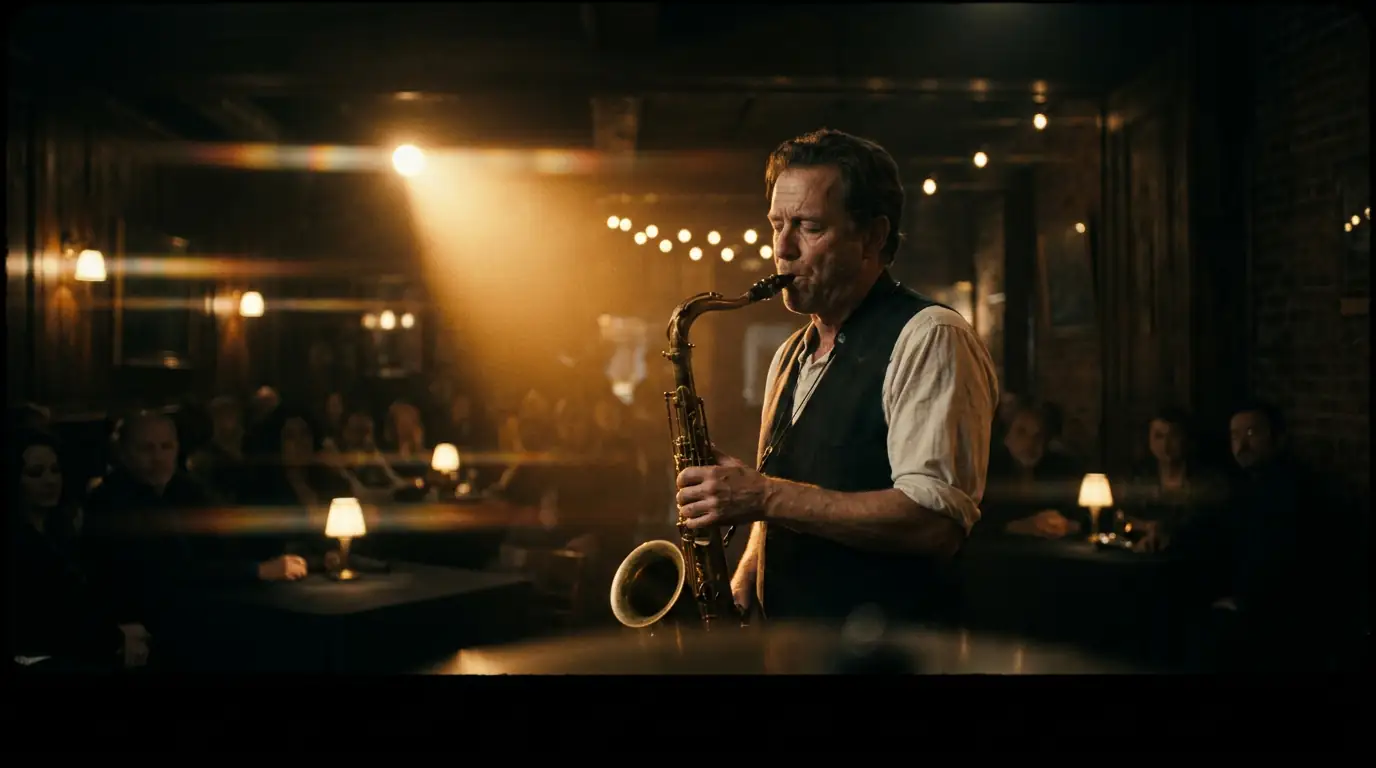
Cinematic Realism
Movie-quality visuals with natural lighting, depth of field, and camera movement. Powered by Veo 3.1.
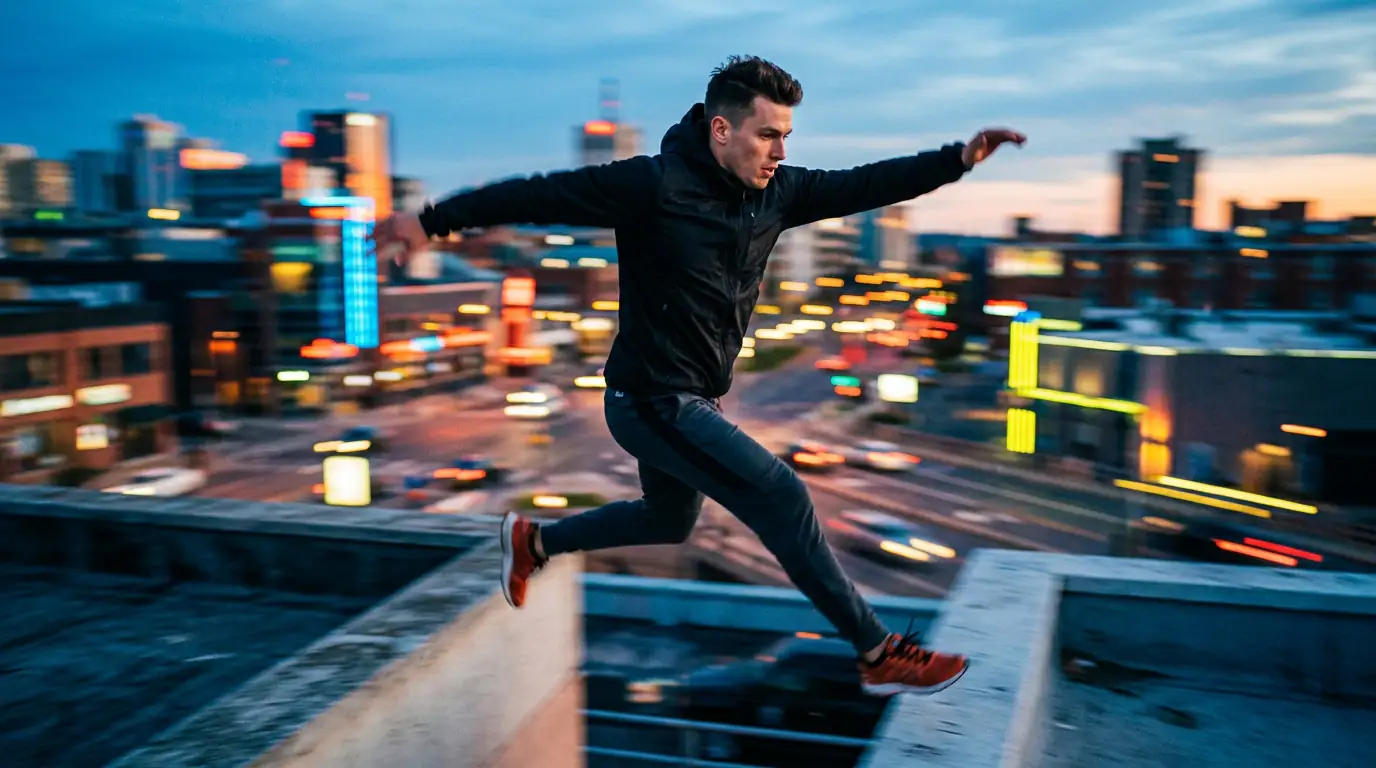
Dynamic Motion
Fluid character movement and scene transitions. Kling excels at complex motion sequences.

Artistic & Stylized
Creative visual styles, from anime to abstract. Perfect for music videos and artistic projects.
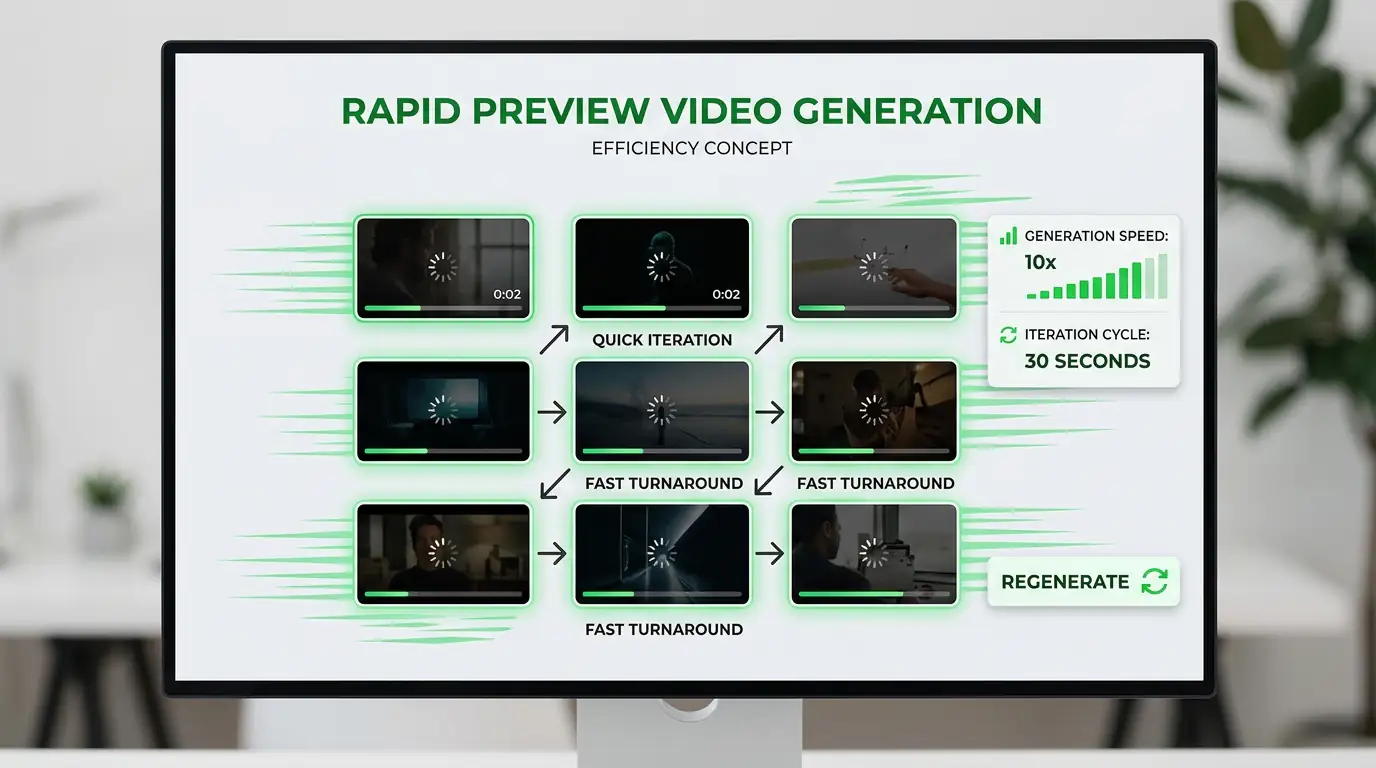
Rapid Preview
Quick generation for concept testing and rapid iteration. Seedance delivers speed without sacrificing quality.
Professional AI Video Generation Models
Each model specializes in different video styles. Veo 3.1 delivers cinema-quality realism, Kling 3.0 Pro excels at dynamic motion, and Seedance 2.0 offers rapid artistic generation. Pick the right one for your creative vision.
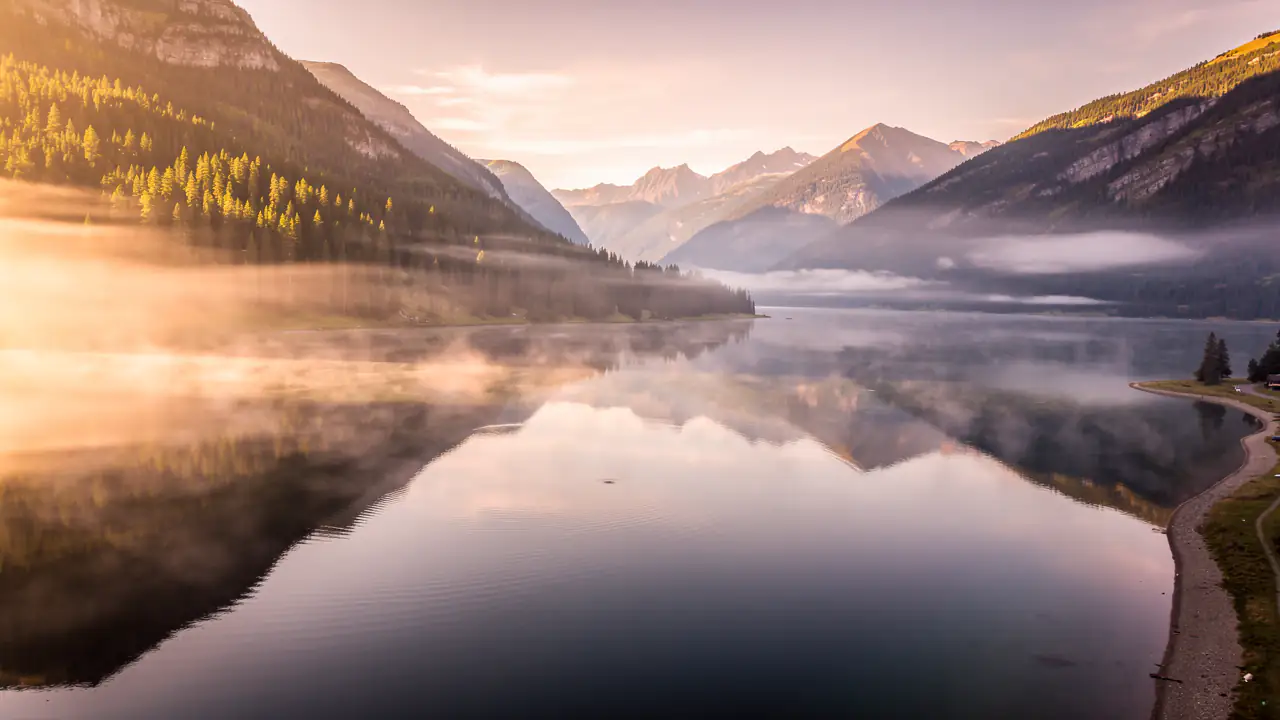
Best for photorealistic scenes with natural physics, lighting, and cinematic camera movement. The gold standard for professional video production.
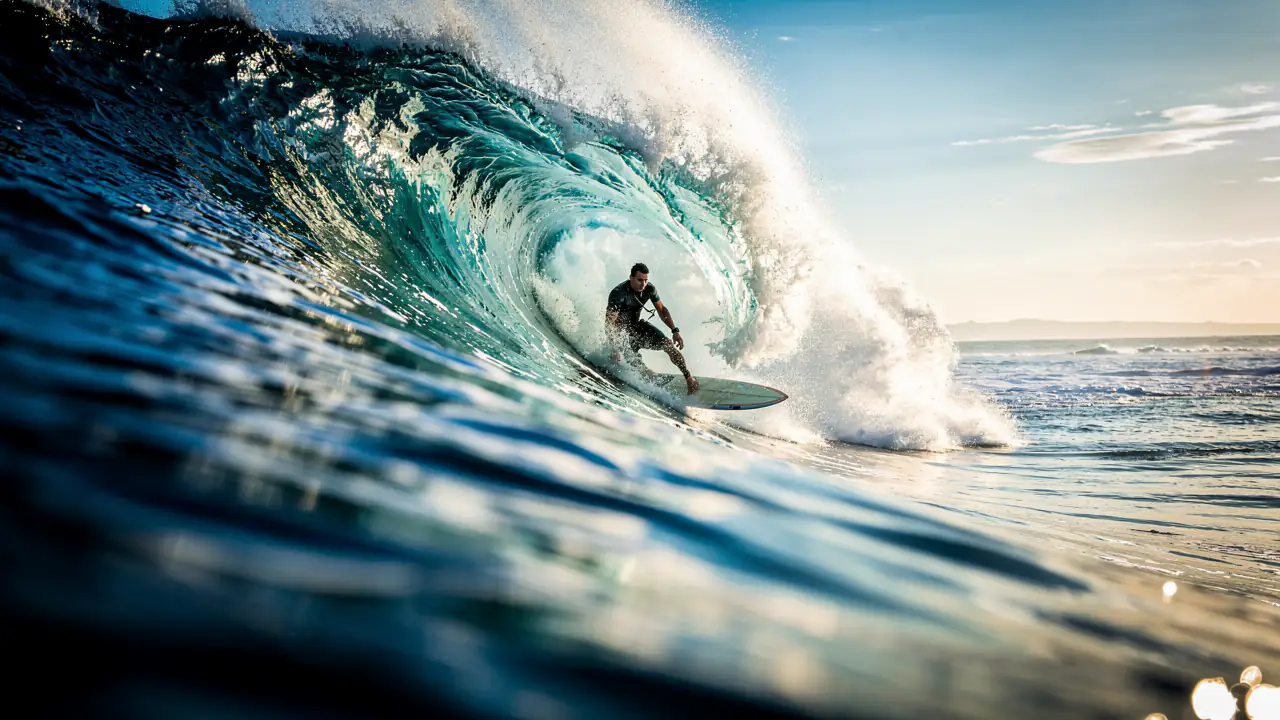
Excels at fast-paced action, dynamic camera work, and complex motion sequences. Ideal for advertising and social media content.
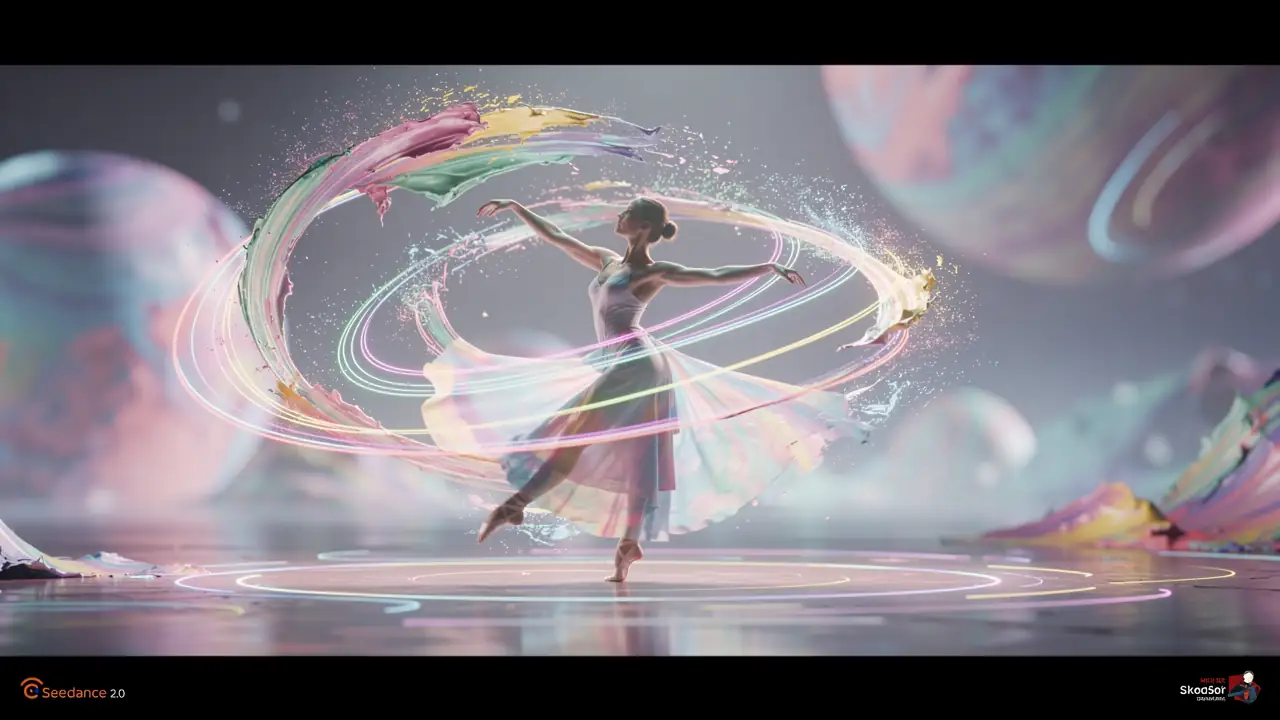
Produces stunning artistic and stylized video with rapid generation speed. Perfect for creative projects and rapid prototyping.
What Kind of Videos Can You Create?
Social media content, ad campaigns, creative projects — text to video opens new possibilities for every creator.
Social Media Content
Create scroll-stopping video content for Instagram Reels, TikTok, and YouTube Shorts. Generate eye-catching clips from text descriptions without filming a single frame. Perfect for content creators who need volume.
Ad Campaign Videos
Produce video ads and promotional content at a fraction of traditional costs. Test multiple creative directions before committing production budget. Iterate on messaging and visuals simultaneously.
Film Previsualization
Directors and cinematographers can test scene compositions, lighting moods, and camera movements before stepping on set. Save time and reduce production costs by validating creative decisions early.
Educational & Explainer Videos
Generate visual explanations, animated diagrams, and demonstration clips from text descriptions. Create educational content without a production crew or animation software.
Video Prompt Engineering
Writing effective video prompts requires a different approach than image prompts. You need to describe not just what the scene looks like, but how it changes over time. Include camera movements, subject actions, lighting transitions, and environmental effects in your descriptions. The more temporal and spatial detail you provide, the more coherent and cinematic the resulting video will be. Think of your prompt as a mini screenplay.
1. Describe Scenes with Temporal Flow
Structure your prompt as a clear sequence of events with a distinct beginning, middle, and end. Instead of just describing a single static moment, think about how the scene unfolds over time. For example: 'A lone astronaut steps onto the Martian surface, slowly turns to face the horizon, then watches as the sun sets behind rust-colored mountains.' This temporal narrative gives the AI a clear timeline to follow, producing video with natural progression rather than random motion.
2. Specify Camera Movements
Camera direction transforms the feel of any video. Include explicit instructions like 'slow dolly push-in toward the subject,' 'aerial drone flyover ascending from treetop level,' 'smooth tracking shot following the runner from left to right,' or '360-degree orbit around the statue.' The AI maps these camera directions to realistic cinematic paths, adding professional production value without any equipment.
3. Include Lighting and Atmosphere Changes
Video gains emotional depth when lighting evolves throughout the clip. Describe transitions such as 'golden hour sunlight gradually fading into blue twilight,' 'neon signs flickering on as darkness falls over the city street,' or 'fog rolling in across the valley as morning light strengthens.' These atmospheric shifts create mood and visual interest that static lighting cannot achieve.
4. Define Subject Actions and Motion Direction
Be explicit about how subjects move within the frame. Instead of 'a person walking,' write 'a woman in a red coat walking briskly from the right side of the frame toward a cafe entrance on the left, her scarf trailing behind in the wind.' Specifying direction, speed, and secondary motion details helps the AI generate purposeful, believable movement that serves your creative intent.
Best Practices for Text to Video
Follow these expert strategies to create compelling AI-generated videos from text descriptions.
Structure Prompts Like Screenplay Scenes
Structure your video prompts like screenplay scenes with clear beginning, middle, and end states. Describe the starting composition, what changes during the clip, and the final frame. For example: "A calm lake at dawn, misty atmosphere, camera slowly rises to reveal snow-capped mountains behind as golden sunlight breaks through clouds." This narrative structure helps the AI maintain visual coherence across all frames and produces clips with natural temporal progression instead of random visual jumps.
Keep Scenes Simple and Focused
Complex scenes with multiple interacting elements often produce confusing results. Focus each generation on a single clear subject performing one primary action. Instead of "a crowded street with people walking, cars driving, and birds flying," try "a single red umbrella moving through a rain-soaked Japanese alley, camera tracking from behind." You can always combine multiple simple clips in post-production for more complex sequences.
Specify Camera Movement
Camera language dramatically affects the cinematic quality of AI-generated videos. Use specific cinematographic terms like "dolly zoom," "tracking shot," "crane up," "pan left," or "orbital movement" to control how the virtual camera moves through the scene. Static camera shots work well for product showcases, while dynamic movements create energy and drama for action sequences.
Include Audio Descriptions
While AI text to video doesn't generate actual audio yet, describing the intended audio environment helps the AI understand the mood and pacing. Mentioning "with dramatic orchestral music building" or "quiet forest ambience" gives the model context about the emotional tone, which influences the visual pacing, color grading, and movement speed of the generated video.
Control Pacing and Duration
Start with 3-5 second clips to validate your concept before committing to longer durations. Short clips generate faster and let you iterate on prompts more efficiently. Once you find a prompt structure that produces the visual style you want, extend the duration to 8-10 seconds for the final output. This two-phase approach saves credits and produces better results than trying to get long clips right on the first attempt.
Choose the Right Model for Your Needs
Different video models have distinct strengths. Veo 3.1 excels at photorealistic scenes with natural physics and lighting. Kling 3.0 Pro is ideal for fast-paced action and dynamic camera work. Seedance 2.0 produces stunning artistic and stylized content. Wan 2.5 Preview is optimized for smooth, fluid motion in portrait and dance scenes. Choose the model that best matches your creative vision rather than defaulting to one for every use case.
AI Text to Video vs Traditional Video Production
Traditional video production requires cameras, crew, locations, and weeks of editing. AI text to video generates professional-quality clips from a text description in under 60 seconds. No equipment, no crew, no editing software needed.
Text Prompt Input
$0 to Start
< 60s Generation
Kairval AI Video vs Traditional Production
See how AI-powered text to video compares to conventional video creation methods.
| Feature | Kairval AI Video | Traditional Production |
|---|---|---|
| No filming equipment required | ✓ | ✗ |
| Generate videos from text descriptions | ✓ | ✗ |
| Results in under 60 seconds | ✓ | ✗ |
| Multiple AI model options | ✓ | ✗ |
| Commercial usage rights included | ✓ | ✓ |
Explore More AI Tools
Discover related AI tools and models
Veo 3.1
Google's 4K video generation with native audio output.
Kling 3.0 Pro
Professional video generation with advanced motion control.
Seedance 2.0
High-quality video generation with cinematic composition.
Image to Video Generator
Animate static images into dynamic video clips with AI.
Frequently Asked Questions
Ready to Create?
Join millions of creators. Start generating stunning AI content today.
Get Started Free