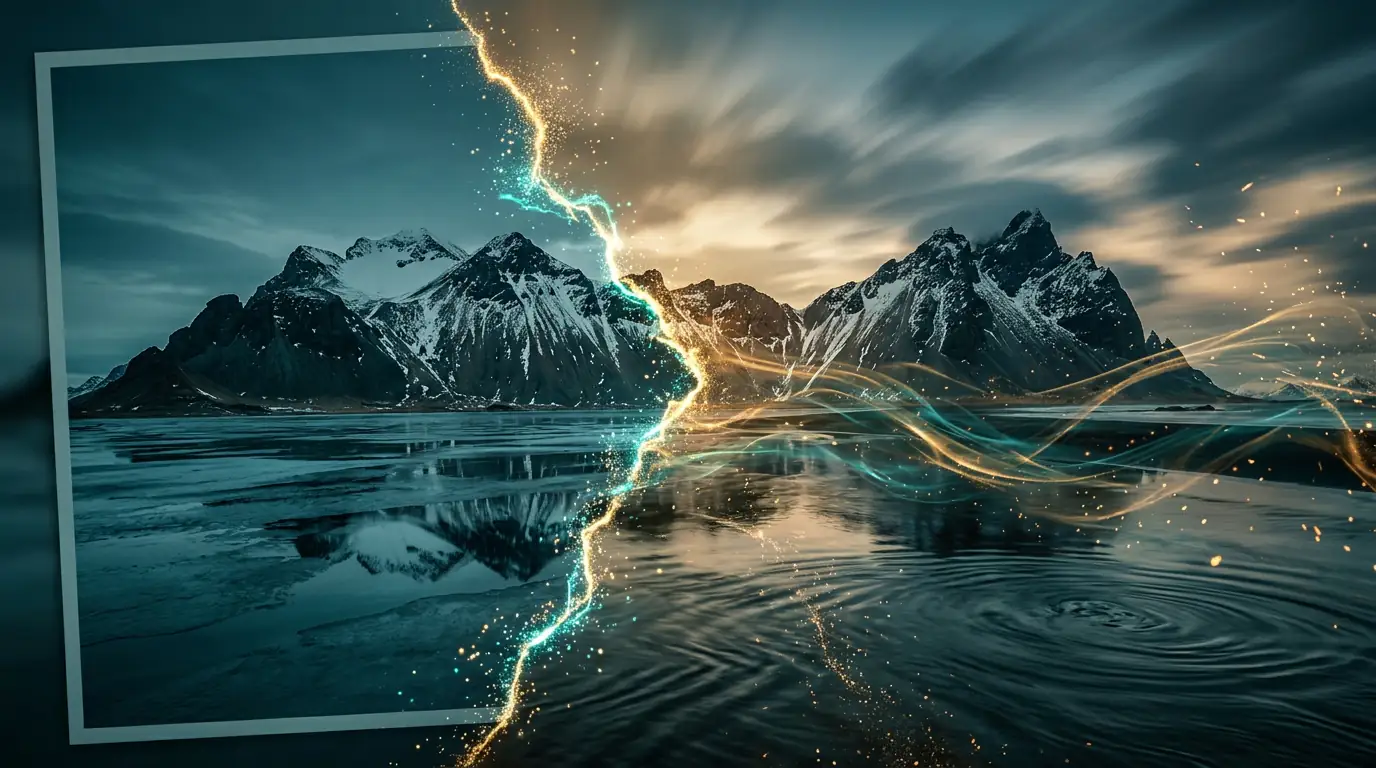
Animate Photos into Videos
with AI in Seconds
Turn any static photo into a cinematic video clip with natural, physics-based motion. The AI understands depth, physics, and natural motion patterns to create fluid, realistic animation from a single frame. Upload a landscape and watch clouds drift across the sky, or animate a portrait with subtle, lifelike movement. No video footage, animation skills, or expensive equipment required. Generate stunning animated content in under a minute.
Bring Any Photo to Life with AI Animation
Turn any static photo into a cinematic video clip. The AI understands depth, physics, and natural motion patterns to create fluid, realistic animation from a single frame. Upload a landscape and watch clouds drift across the sky, or animate a portrait with subtle, lifelike movement. No video footage or animation skills required.
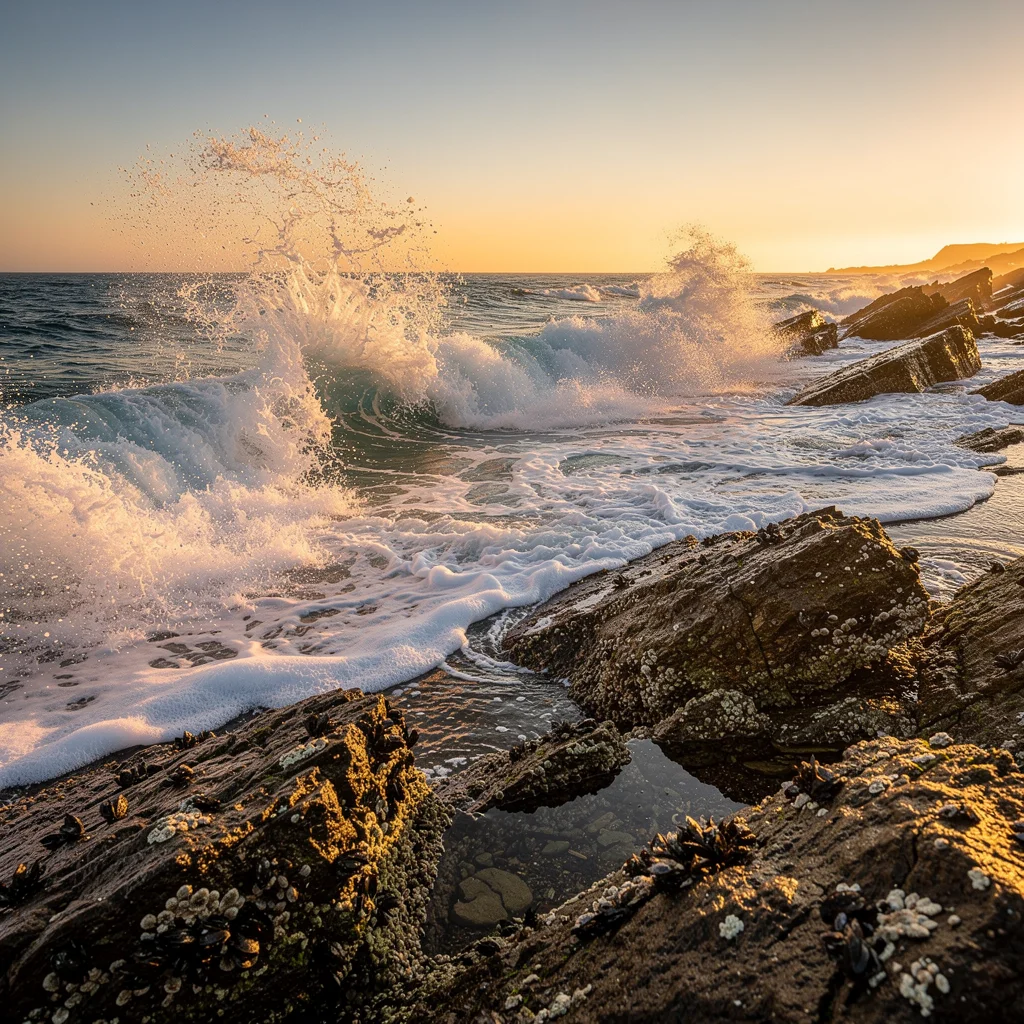
Static Image
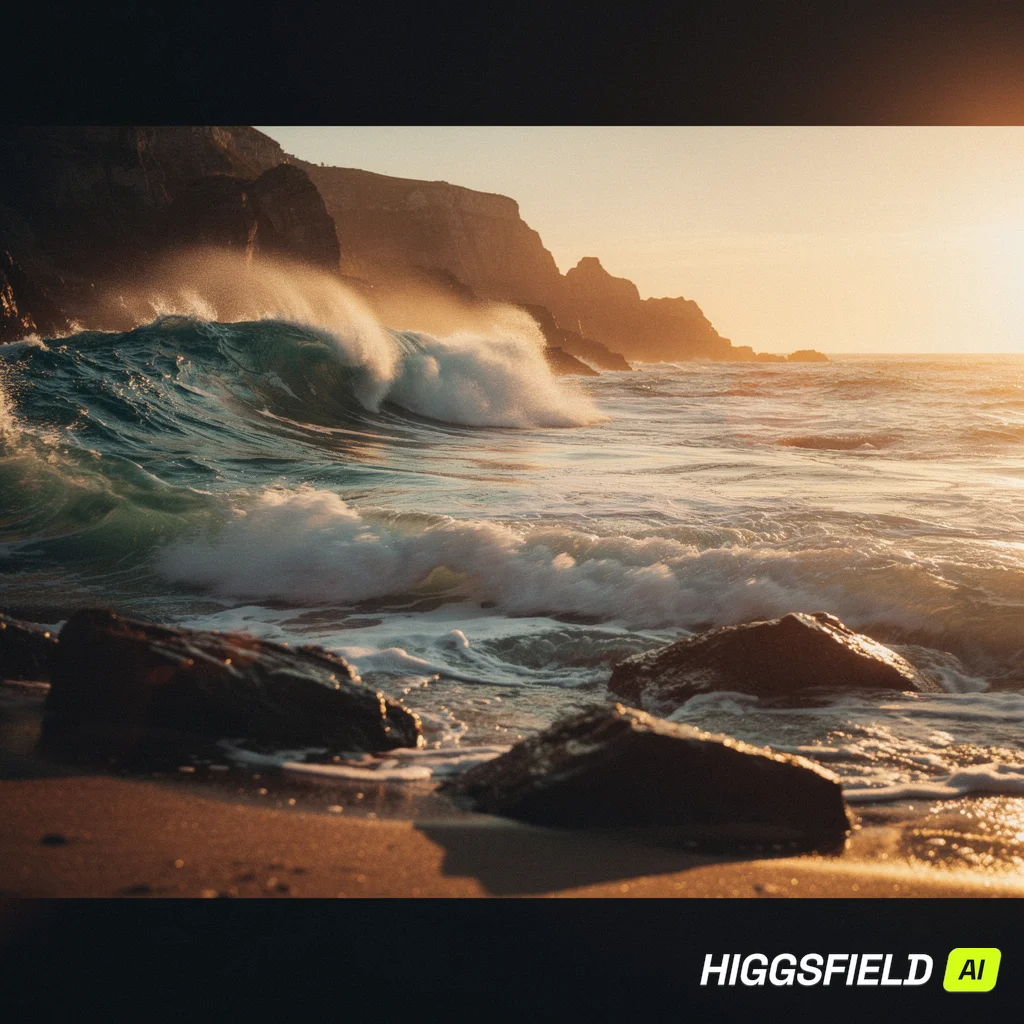
AI Video
What Is AI Image to Video Generation?
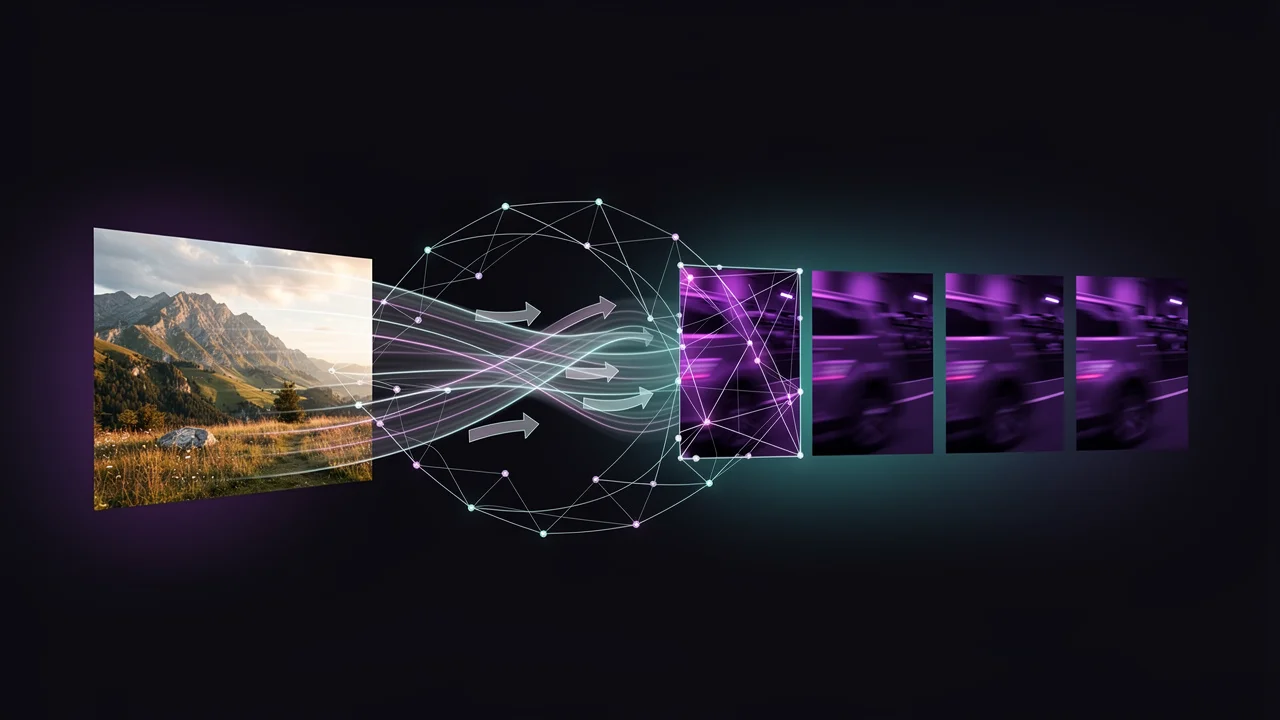
AI image to video transforms still photographs into dynamic video content by analyzing depth, subject matter, and context to generate natural, fluid motion. The technology works by understanding what should move in a scene — water should ripple, hair should flow, clouds should drift — while keeping static elements stable. Modern models like Veo 3.1, Seedance 2.0, and Kling 3.0 Pro can animate a single photo into a 5-10 second cinematic clip with realistic physics, parallax depth effects, and smooth camera movements. Unlike text-to-video which creates scenes from scratch, image-to-video starts with your actual photograph, ensuring the output matches your specific subject, composition, and visual style. This makes it ideal for bringing existing assets to life — product photos that need movement for ads, landscape shots that deserve a cinematic touch, or portrait photos that could benefit from subtle animation.
How to Use Our AI Image to Video Generator
Animate any photo in three simple steps — no animation or video editing experience required.
1. Upload Your Photo
Upload any photo from your device — portraits, landscapes, product shots, architectural photos, or artwork. For best results, use high-resolution images with clear subjects and good lighting. The AI performs best with photos that have distinct depth layers, such as a subject in the foreground with a separated background. Supported formats include JPG, PNG, and WebP up to 20MB in file size.
2. Add a Motion Prompt
Write a short prompt describing how you want the image to come to life. Be specific about the type of motion you want: "camera slowly zooms into the subject" for a cinematic feel, "gentle parallax movement revealing depth" for a 3D effect, or "subject turns their head and smiles" for character animation. You can also specify the mood with terms like "dramatic lighting shift" or "soft, dreamy atmosphere" to influence the visual treatment of the animation.
3. Export Your Video
Once your video is generated, preview it directly in the browser. Download the finished MP4 file for use in social media, presentations, or marketing campaigns. You can generate multiple variations from the same photo using different motion prompts to find the perfect animation. Each generation takes approximately 30-90 seconds depending on the model selected and desired video duration.
What Can Image to Video Do?
Beyond simple animation — explore the full range of AI-powered image to video capabilities.
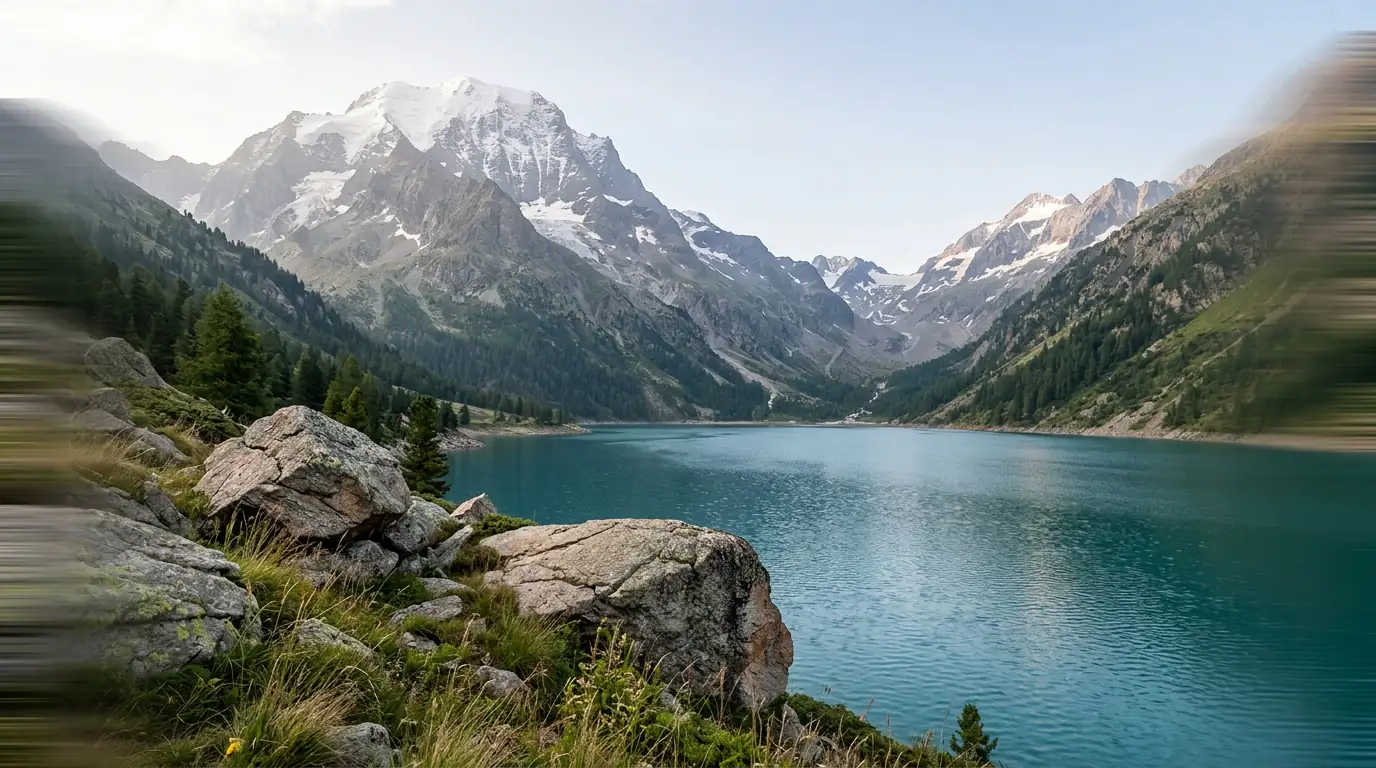
Photo to Video Animation
Bring any still photo to life with natural motion. Portraits blink and smile, landscapes flow, products rotate — all from a single image and a short prompt.
Scene Extension & Outpainting
Expand beyond the original frame. The AI generates new content around your image, creating wider scenes and extended environments while maintaining visual coherence.
Precise Motion Control
Direct camera movement, object motion, and scene dynamics with text prompts. Pan, zoom, orbit, or describe custom motion paths — the AI follows your direction.
Stylized Video Generation
Transform photos into videos with artistic styles — cinematic, anime, watercolor, 3D render, or any visual treatment. Maintain content while changing the entire aesthetic.
Your source image
Motion & animation
Animated video
What Can You Animate?
Any still image can become a dynamic video. Here are the most popular applications for image to video AI.
Product Photography Ads
Turn static product images into dynamic video ads. Add subtle motion to showcase products from new angles, create eye-catching social media ads, and boost engagement without expensive video production.
Landscape Cinemagraphs
Transform landscape photos into living scenes with moving clouds, flowing water, and gentle wind effects. Create mesmerizing cinemagraphs that capture attention and convey atmosphere.
Portrait Animation
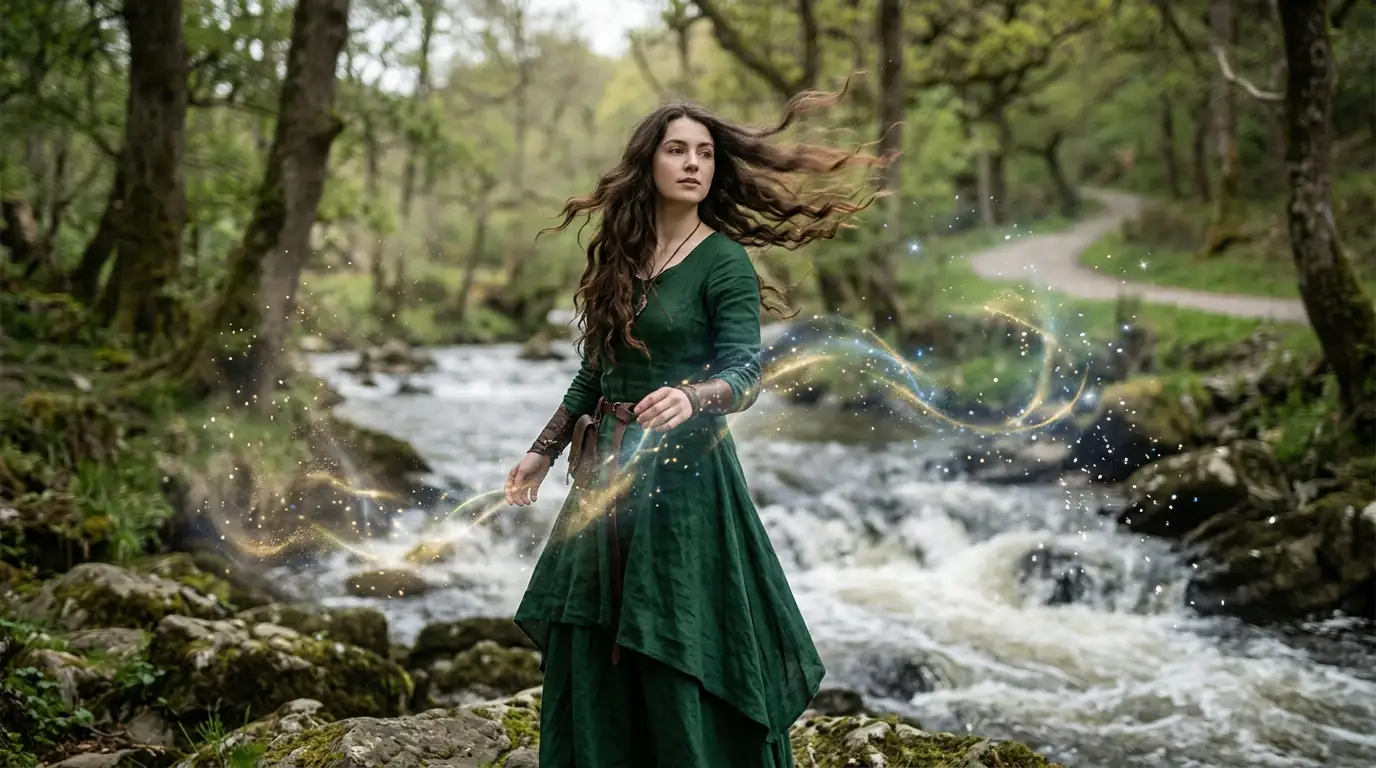
Bring portrait photos to life with natural facial movements, hair motion, and subtle expressions. Perfect for memorial videos, creative projects, and social media content.
Real Estate Virtual Tours
Animate real estate photos into virtual walkthrough experiences. Add camera movements that guide viewers through rooms, creating an immersive property tour from a single photo.
Animation Techniques You Can Create
Image to video AI supports a range of animation styles. Each technique creates a distinct visual effect, giving you creative flexibility from a single source image.
Cinematic Zoom
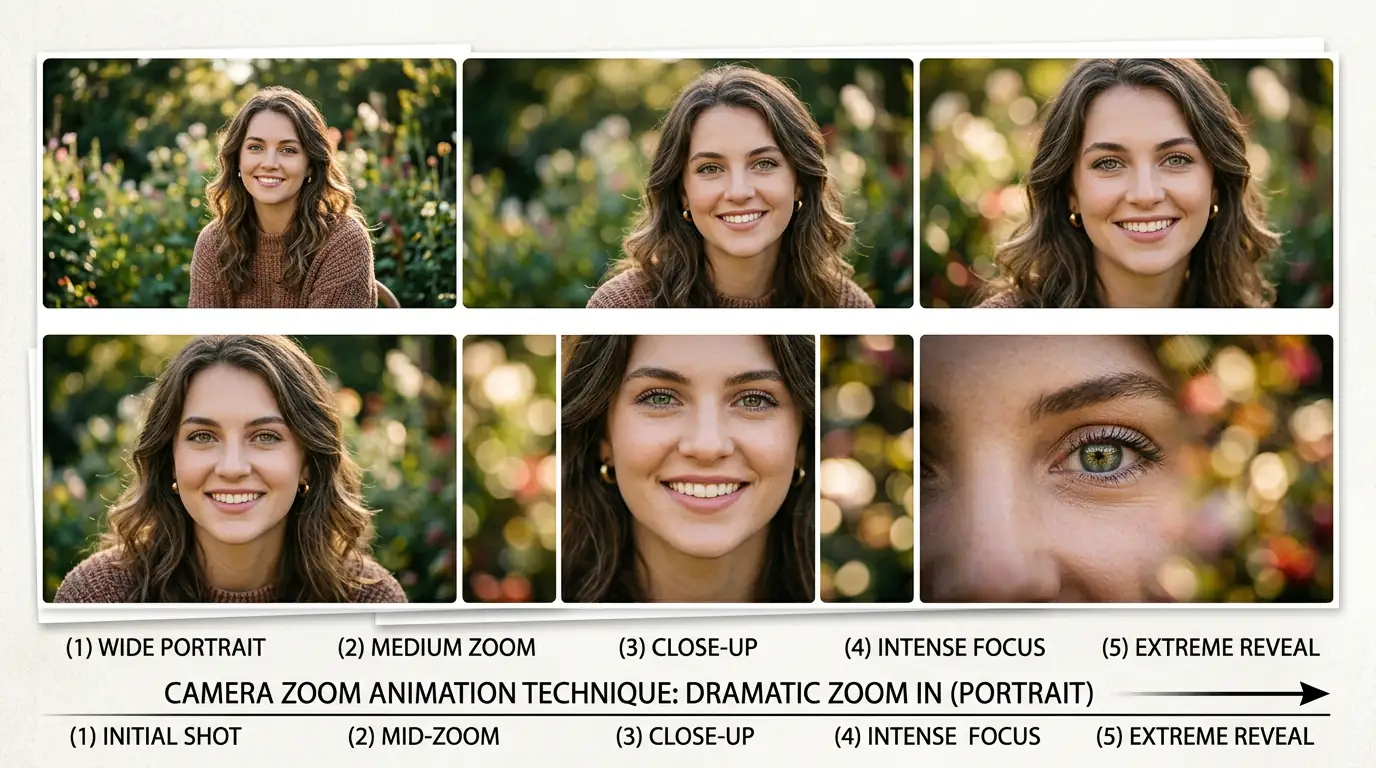
Create dramatic Ken Burns-style zoom effects that draw viewers into the scene. The AI generates smooth camera zoom from wide shot to close-up (or vice versa) while maintaining sharp focus and natural perspective changes. Perfect for documentary-style content, product reveals, and social media posts that need a cinematic touch without any camera equipment.
Parallax Motion
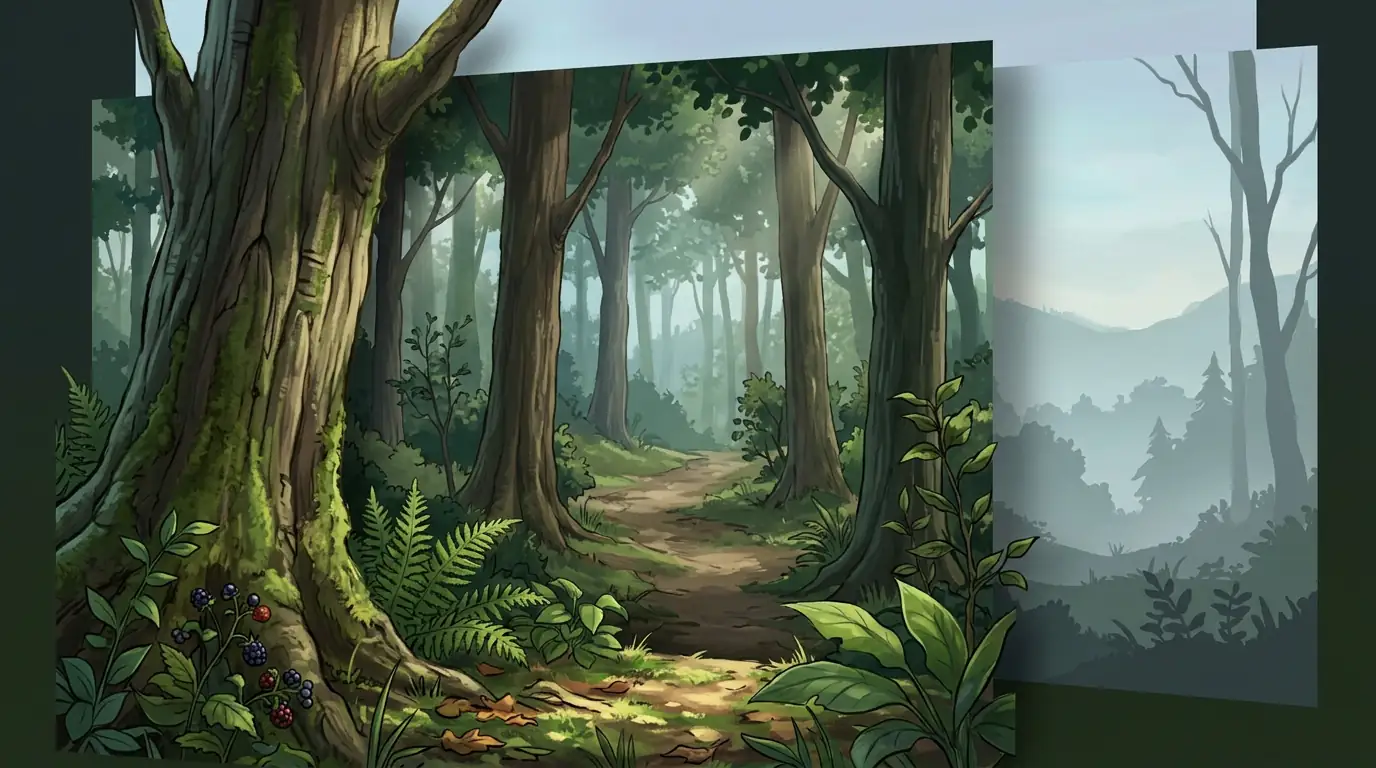
Generate stunning depth-based parallax effects that separate foreground subjects from background scenery. The AI creates a convincing 3D illusion by moving foreground and background layers at different speeds, as if captured with a real camera on a slider or gimbal. Landscapes, architecture, and group photos work especially well with parallax motion.
Subject Animation
Bring static subjects to life with natural, physics-based animation. The AI can make a person turn their head, wave their hand, or shift their weight — all generated from a single still photo. Portrait animation looks particularly impressive when combined with subtle lighting changes and depth-of-field effects that mimic professional videography.
Camera Pan and Orbit
Simulate smooth camera pan and orbital movements around your subject. The AI generates the missing visual information as the virtual camera sweeps across the scene, creating a dynamic perspective shift that would normally require a physical camera rig. Works beautifully with architectural photography, product showcases, and environmental portraits.
Cinemagraph Effect
Create elegant cinemagraph effects where specific elements move naturally while the rest of the image remains perfectly still. Water flowing in a fountain, steam rising from coffee, leaves swaying on otherwise static trees — these subtle looping animations are highly effective for social media ads, website hero sections, and email marketing campaigns that need to catch and hold viewer attention.
Tips for Best Results
Follow these guidelines to get the most impressive image to video results.
Use high-resolution source images (at least 1024px) for the best output quality.
Images with clear subjects and good lighting produce more natural-looking animations.
Be specific in your motion prompt — describe direction, speed, and style of movement.
Portraits work best with subtle motion; landscapes can handle more dramatic camera movements.
Best Practices for Image to Video
Transform static images into compelling video with these professional image-to-video techniques.
Select Source Images with Strong Composition
The best source images for image-to-video conversion have a clear subject, good depth, and visual elements that can be naturally animated. Landscapes with clouds and water, portraits with detailed facial features, and product shots with clean backgrounds all produce excellent video results. Avoid cluttered or overly abstract images where motion direction is ambiguous.
Describe Specific Motion Directions
Be explicit about how elements should move: 'hair flowing to the right in a gentle breeze,' 'clouds drifting slowly from left to right,' 'water rippling outward from the center.' Vague motion descriptions lead to unpredictable results. The more precisely you describe the desired movement, the more controlled and intentional the output will be.
Match Motion to Image Content
Choose motion types that make sense for the image content. Landscapes benefit from subtle parallax effects and sky movement. Portraits work well with slight head turns, hair movement, and breathing animation. Products look best with slow rotations or zoom reveals. Applying inappropriate motion types (like aggressive camera shakes on a portrait) produces uncanny results.
Use Parallax for Depth Effect
Request parallax motion to add three-dimensional depth to your images: 'subtle parallax effect with foreground elements moving slightly faster than background.' This technique creates the illusion of 3D space from a 2D source image and significantly enhances the professional quality and visual impact of the generated video.
Preview with Short Durations First
Start with the shortest available duration to quickly evaluate whether the motion direction and style match your vision. Once you are satisfied with the motion concept, generate a longer version with the same parameters. This saves credits and time compared to generating full-length clips that may need to be discarded.
Chain Multiple Generations for Complex Sequences
For complex animated sequences, break the motion into stages and chain multiple generations together. Use the final frame of one generation as the source image for the next. This technique lets you create longer, more complex animations than a single generation allows while maintaining visual continuity throughout the sequence.