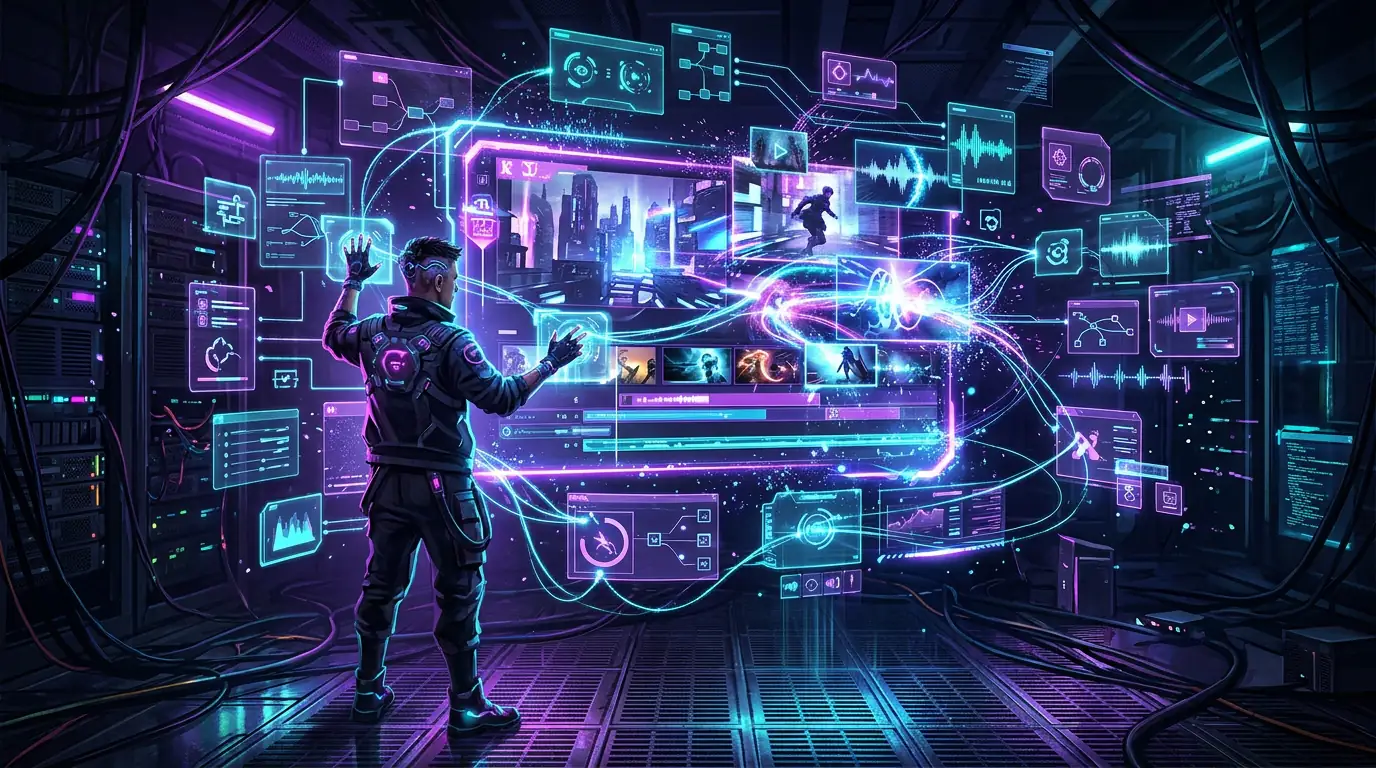
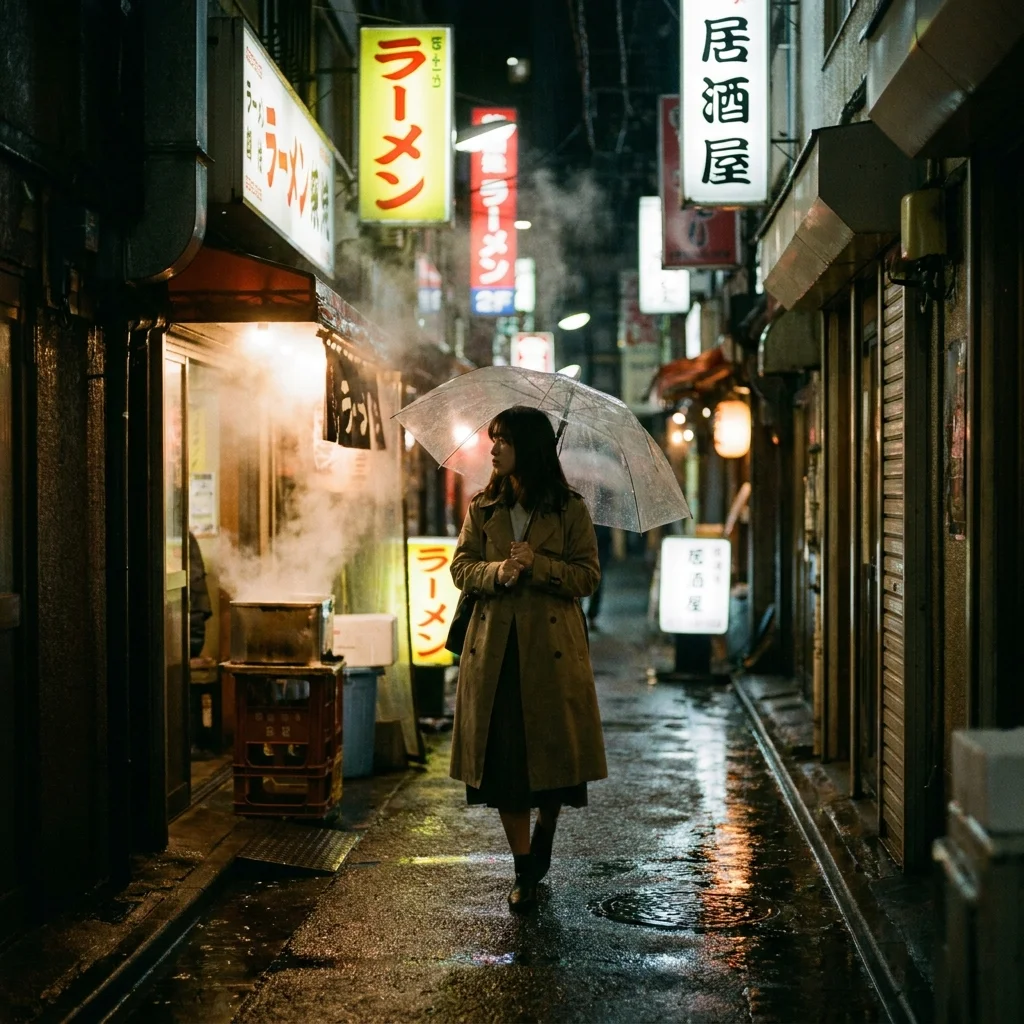
011. Enter Your Scene
Enter a detailed text prompt describing the scene you want to create, or upload a reference image for image-to-video generation. For text-to-video, describe the setting, characters, actions, camera movements, and overall mood. Be specific about motion — describe whether the camera should pan, zoom, or remain static, and what actions the subjects should perform. For image-to-video, choose an image with clear subjects and compositions that translate well to moving images. The more descriptive your input, the more accurately Hailuo 02 will animate your vision.
022. Select Quality Tier
Configure your generation settings including duration, resolution, and aspect ratio. Hailuo 02 supports various clip lengths and quality settings to suit different platforms and use cases. Select the appropriate aspect ratio for your target platform — 16:9 for YouTube and presentations, 9:16 for TikTok and Instagram Reels, or 1:1 for social media posts. Adjust the motion intensity and style parameters to control the dynamic range of the generated output.
033. Generate and Share
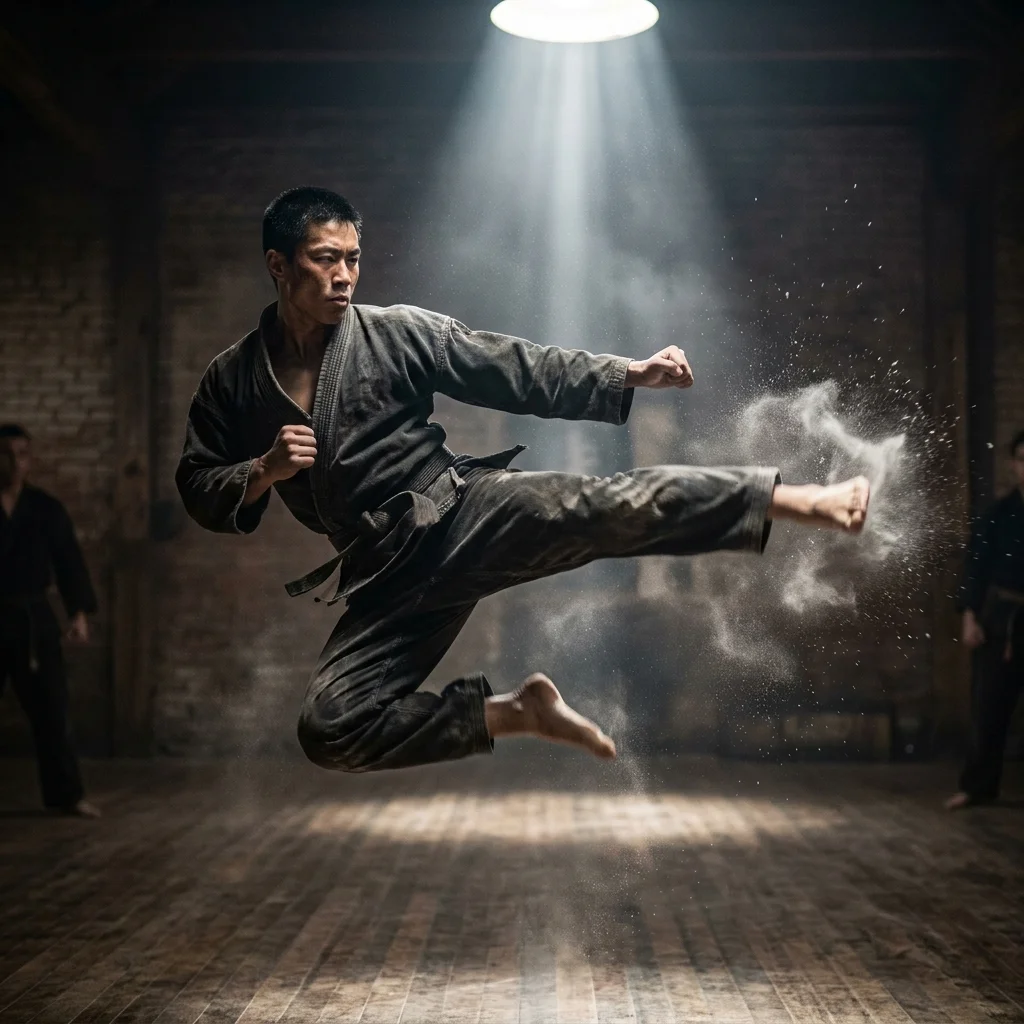
Generate your clip and preview the results. Hailuo 02 produces fluid, natural-looking motion that brings your descriptions to life. Review the output for timing, movement quality, and visual fidelity. If you want to refine the result, adjust your prompt with more specific motion instructions or modify the generation parameters. Once satisfied, download your output in high quality, ready for sharing on social media, embedding in presentations, or using in professional content pipelines.