FLUX.2 Pro
Studio-Quality Visuals, Zero Configuration
FLUX.2 Pro is a production-grade AI image generator by Black Forest Labs that creates studio-quality visuals with zero configuration. Generate photorealistic images up to 4MP with multi-reference editing and advanced prompt control at 30 credits per image.
Create stunning AI art & videos. No login needed.
FLUX.2 Pro Is Best For
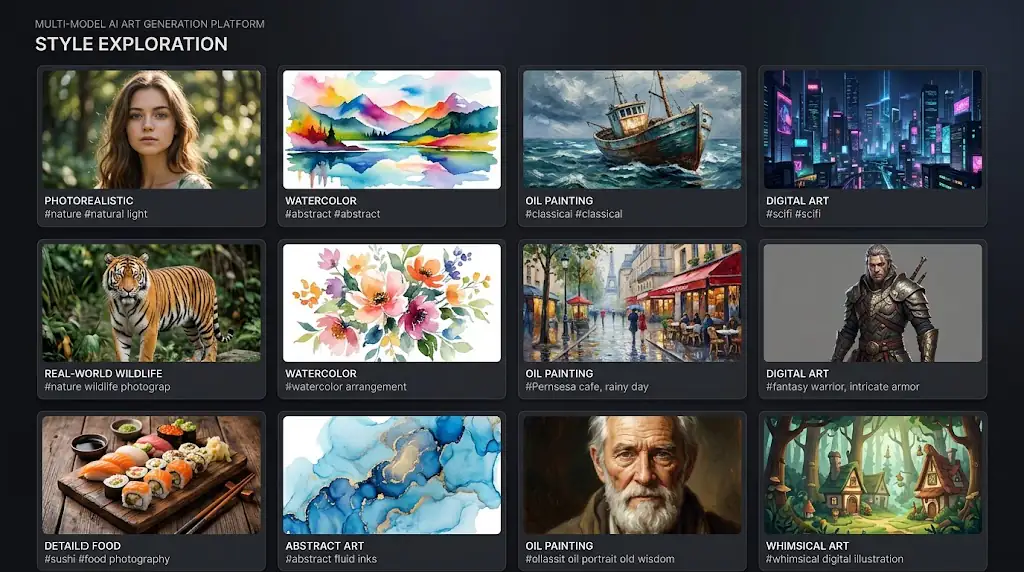
Explore the professional use cases where Flux 2 Pro's exceptional image quality and creative versatility deliver outstanding results.
Professional Marketing Assets
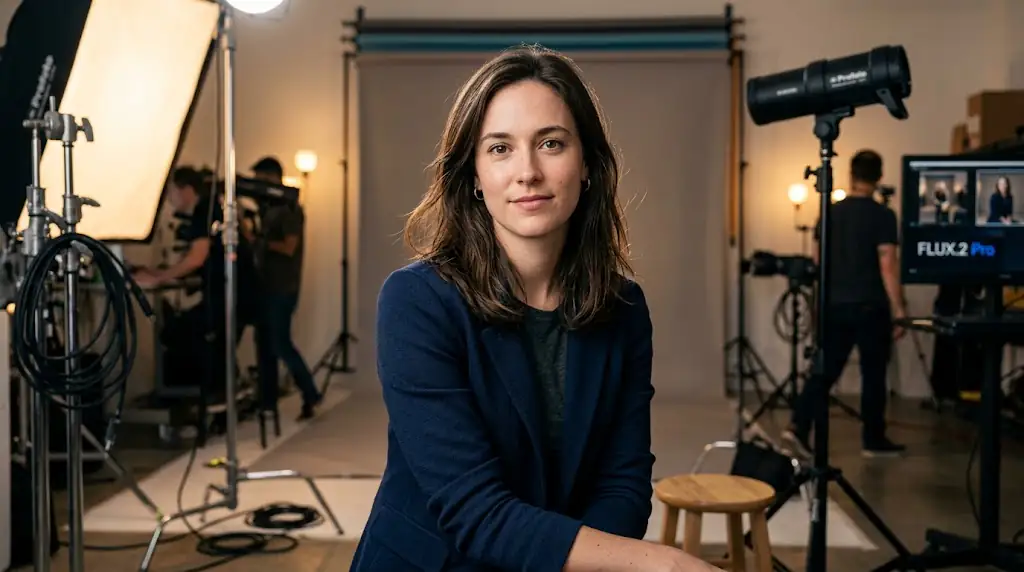
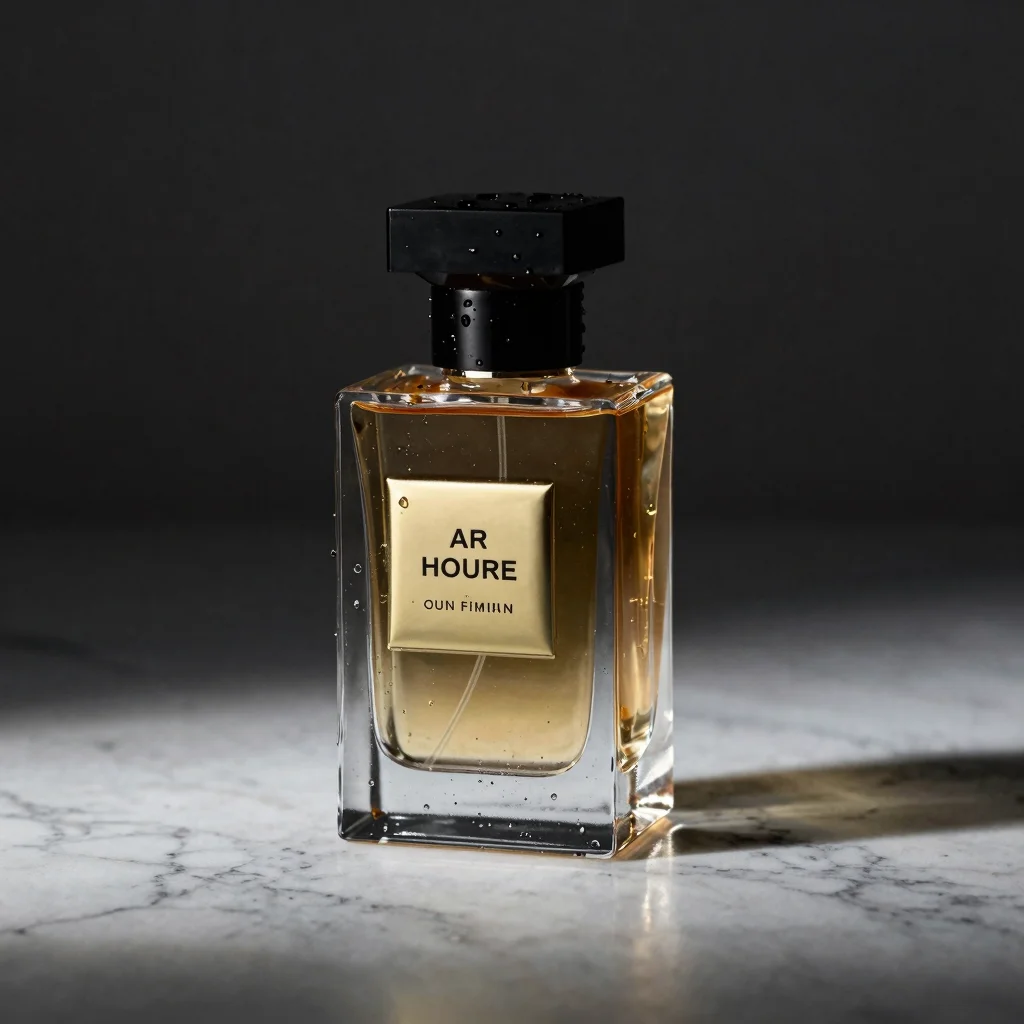
The top choice for professional photographers and visual artists who demand photorealistic quality that rivals actual photographs. Flux 2 Pro's exceptional rendering of lighting, textures, and material properties produces images that meet the exacting standards of commercial photography, editorial work, and high-end advertising campaigns.
Concept Art and Design Iteration
Ideal for creating marketing and advertising visuals with integrated text elements that look professionally typeset. Flux 2 Pro's industry-leading text rendering produces crisp, readable text within images, making it invaluable for creating posters, social media ads, book covers, and branded content where typography and imagery must work together seamlessly.
E-commerce Product Photography
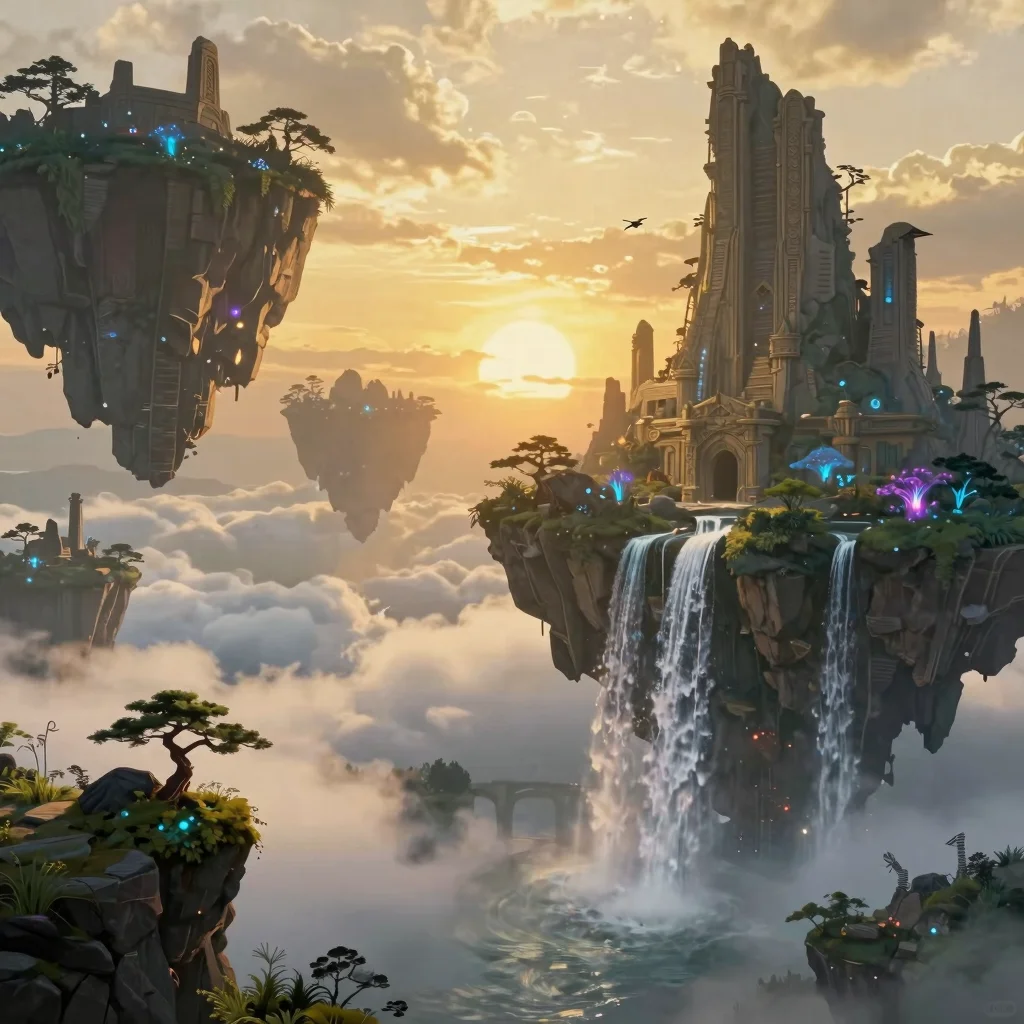
Perfect for complex scene generation that requires multiple subjects, specific spatial relationships, and detailed backgrounds. Flux 2 Pro's advanced compositional intelligence handles intricate multi-element prompts with remarkable accuracy, producing cohesive scenes where every element is properly positioned and interacts naturally with its surroundings.
Pro Tips for FLUX.2 Pro
Professional techniques for getting the best results from Flux 2 Pro's advanced image generation capabilities.
#1Use Multi-Reference Images Strategically
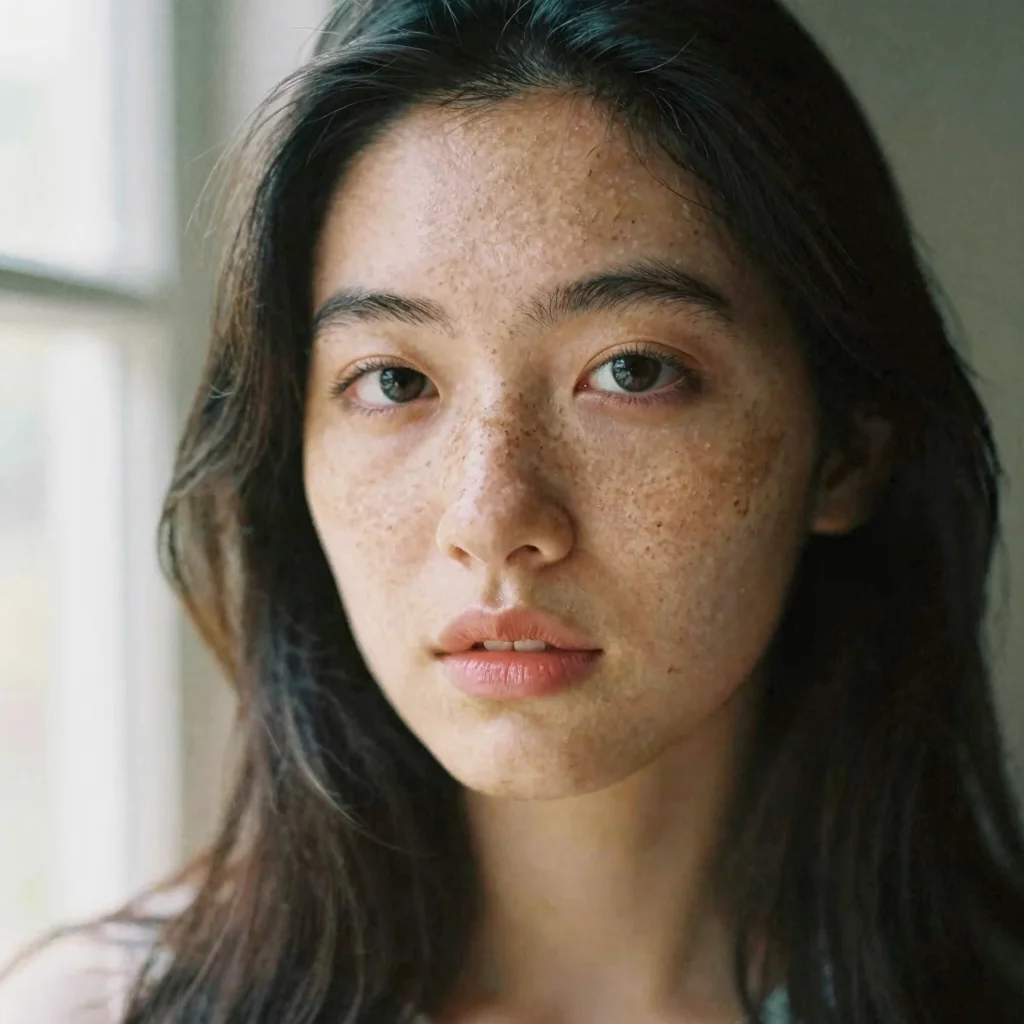
Be specific about camera and lens effects for photorealistic results with Flux 2 Pro. Reference focal lengths ('85mm portrait lens'), aperture settings ('shallow depth of field, f/1.4'), and shot types ('medium close-up') to achieve professional photography quality. The model's understanding of photographic terminology is exceptional and directly translates into visually accurate output.
#2Specify Output Resolution Early
When generating images with text, place the exact text in quotation marks and specify font style, size, and placement. For example: 'a movie poster with the title MIDNIGHT in bold metallic gold letters at the top'. Flux 2 Pro's text rendering is most accurate when you provide clear typographic direction alongside the visual description.
#3Leverage Image-to-Image for Style Consistency
For complex multi-subject scenes, describe spatial relationships explicitly in your prompt. Use phrases like 'in the foreground', 'to the left of', 'behind', and 'in the background' to position elements precisely. Flux 2 Pro handles spatial descriptions accurately, producing well-composed scenes where every element occupies its intended position in the visual space.
#4Describe Lighting and Atmosphere
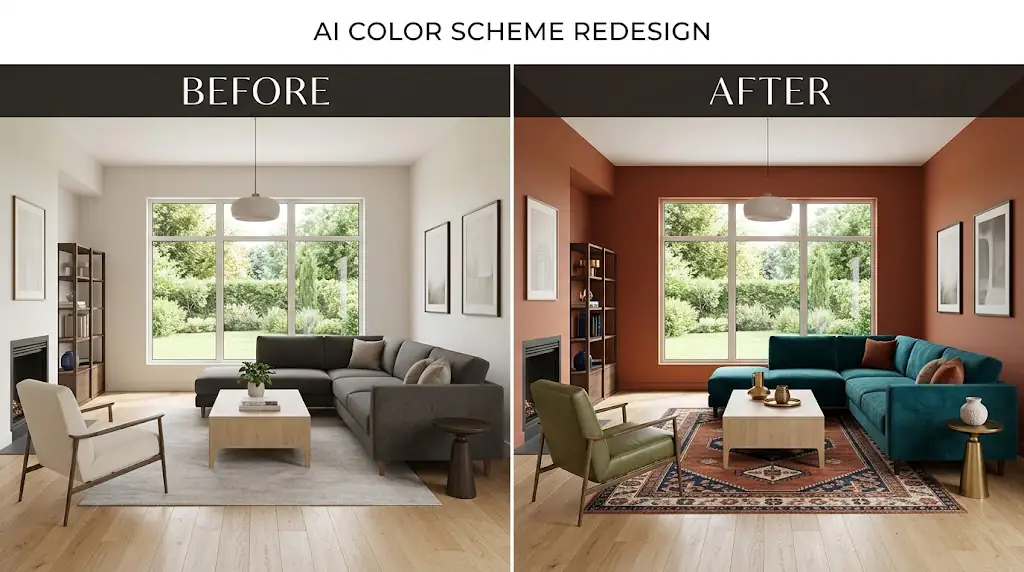
Include material and texture descriptions to enhance realism. Terms like 'brushed aluminum', 'weathered wood grain', 'soft velvet', or 'wet asphalt reflections' help Flux 2 Pro render surfaces with convincing detail. The model's understanding of material properties produces more tactile, believable images that engage viewers visually.
Explore More AI Tools
Discover related AI tools and models
Text to Image Generator
Generate stunning images from text descriptions with top AI models.
FLUX.1 Schnell
The fastest open-source FLUX model — generate images in 1-4 steps.
GPT-4o Image
OpenAI's multimodal image model with photorealistic output.
Recraft V4 Pro
Production-ready images with brand color control and SVG output.
Frequently Asked Questions
Ready to Create?
Join millions of creators. Start generating stunning AI content today.
Get Started Free