AI Text to Image
Generate Images from Text Instantly
Transform your text descriptions into stunning images with Kairval's free AI text to image generator. Multiple models including FLUX.2 Pro, GPT-4o Image, and Imagen 3 — instant results, no sign-up required.
Turn Your Words into Visual Art with AI
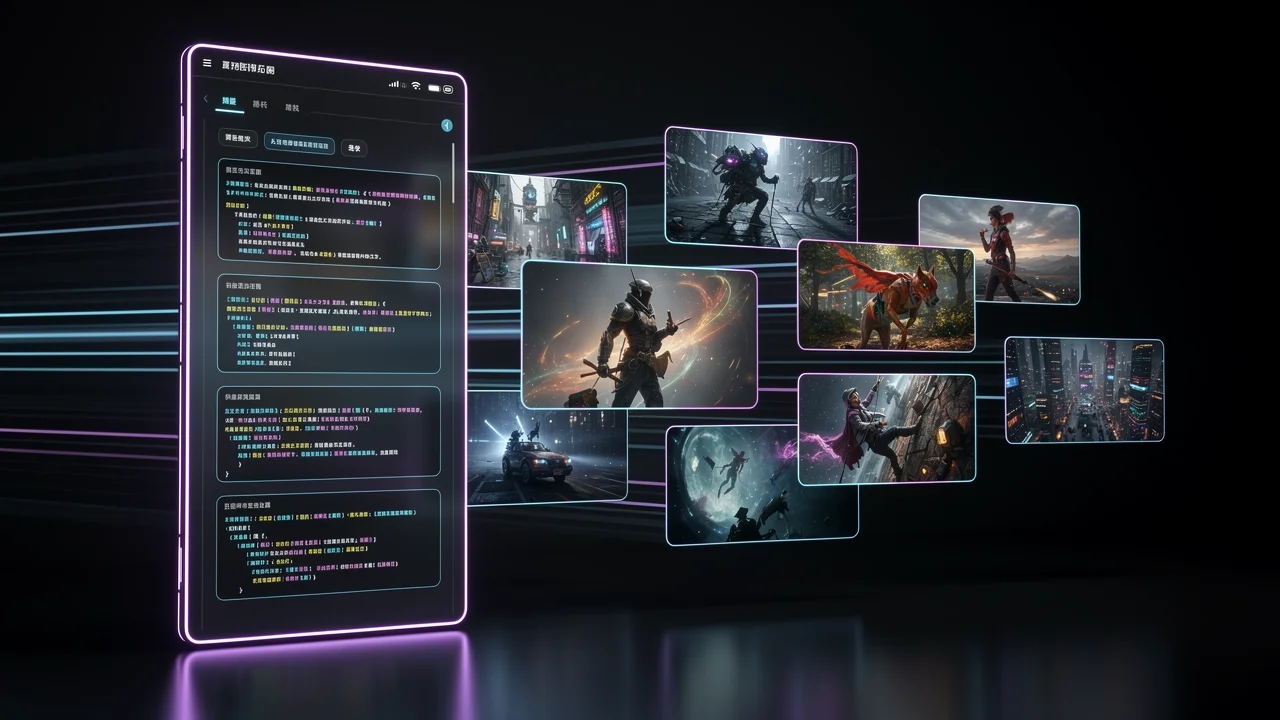
AI text to image generation turns your written descriptions into stunning visual images. Powered by top models like FLUX.2 Pro, GPT-4o Image, and Imagen 3, Kairval lets you create professional-grade visuals without any design skills or software installation. Just type what you imagine — photorealistic product shots, creative illustrations, or artistic compositions — and watch it appear in seconds.
What Is AI Text to Image Generation?
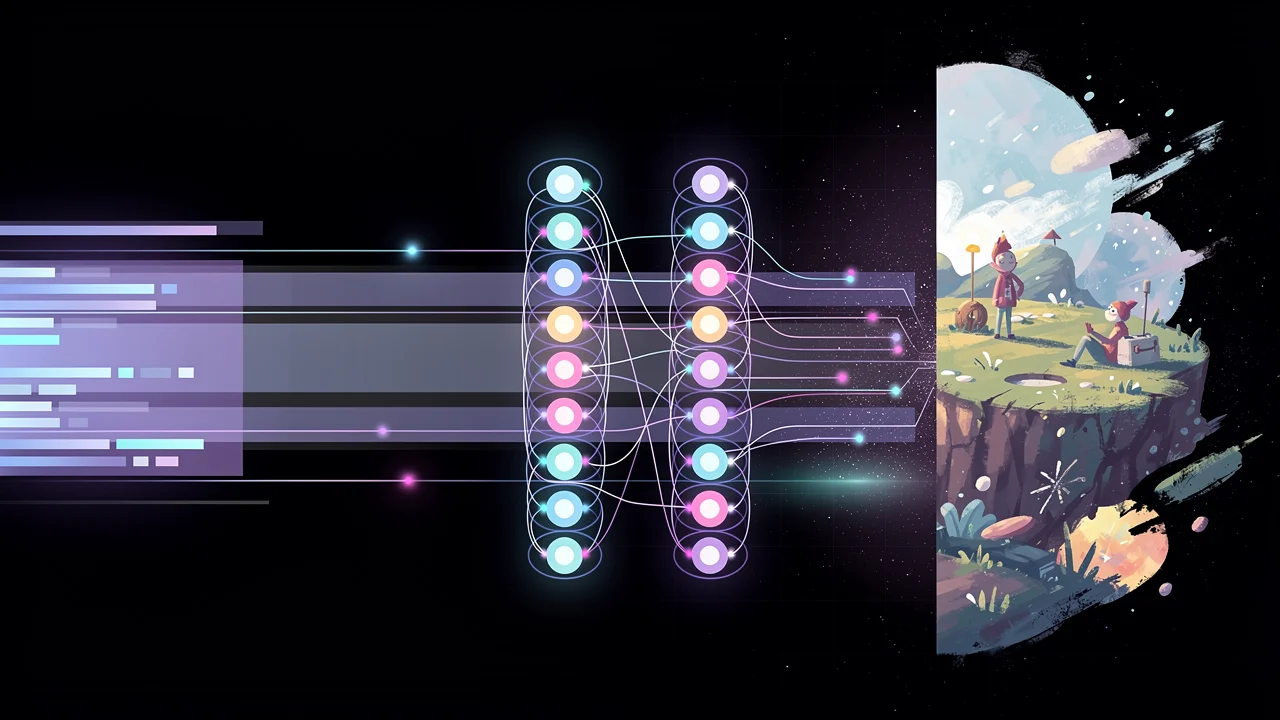
AI text to image uses advanced diffusion models to turn your written descriptions into high-quality visuals. Describe what you want — a photorealistic landscape, a stylized portrait, a product mockup, or an abstract artwork — and the model generates it in seconds. Modern models like FLUX.2 Pro, GPT-4o Image, and Imagen 3 understand nuanced prompts including art styles, lighting conditions, camera angles, color palettes, and compositional details. The technology has matured to the point where AI-generated images are regularly used in professional advertising, editorial content, e-commerce, and creative projects. Each model has unique strengths: FLUX.2 Pro excels at photorealism and prompt accuracy, GPT-4o Image handles complex creative instructions with remarkable consistency, and Imagen 3 produces stunning artistic outputs with exceptional color handling.
How to Use Our Text to Image Generator
Create stunning images in three simple steps — no design experience required.
1. Describe Your Image
Type a detailed text prompt describing the image you want. Be specific about subject, style, lighting, and mood. For example: “A golden retriever puppy sitting in a sunflower field at golden hour, soft bokeh background, professional photograph.” The more descriptive your prompt, the closer the result matches your vision.
2. Generate with AI
Choose your preferred AI model and hit generate. Our platform processes your prompt through advanced diffusion models in real time. Most images are ready in under 30 seconds. You can generate multiple variations at once to explore different creative directions.
3. Download and Use
Select your favorite result and download it in high resolution. Every generated image comes with full commercial rights — use it in ads, social media, websites, merchandise, or client projects. No attribution required, no licensing headaches.
Powerful AI Text to Image Features
Multiple AI Models in One Place
Access Flux Pro, GPT-4o, Nano Banana, Seedream and more — switch models without switching tabs. Compare outputs side by side.
Lightning-Fast Generation
Generate high-quality images in under 30 seconds. Iterate through 10 different directions before your coffee gets cold.
seconds
resolution
No Design Skills Required
Just describe what you want in plain text. Our AI handles the technical details — no Photoshop, no complex prompts needed.
Commercial Rights Included
Every image you generate is yours to use in ads, merchandise, client work, and social campaigns. No licensing headaches.
AI Models for Text to Image Generation
Access the latest AI models for text to image generation in one place. We add new models as soon as they launch, so you never fall behind. Switch freely between FLUX.2 Pro, GPT-4o Image, Nano Banana, Seedream and more to compare results and find the perfect output for your project. Each model excels at different creative tasks — from photorealistic photography to stylized illustrations.
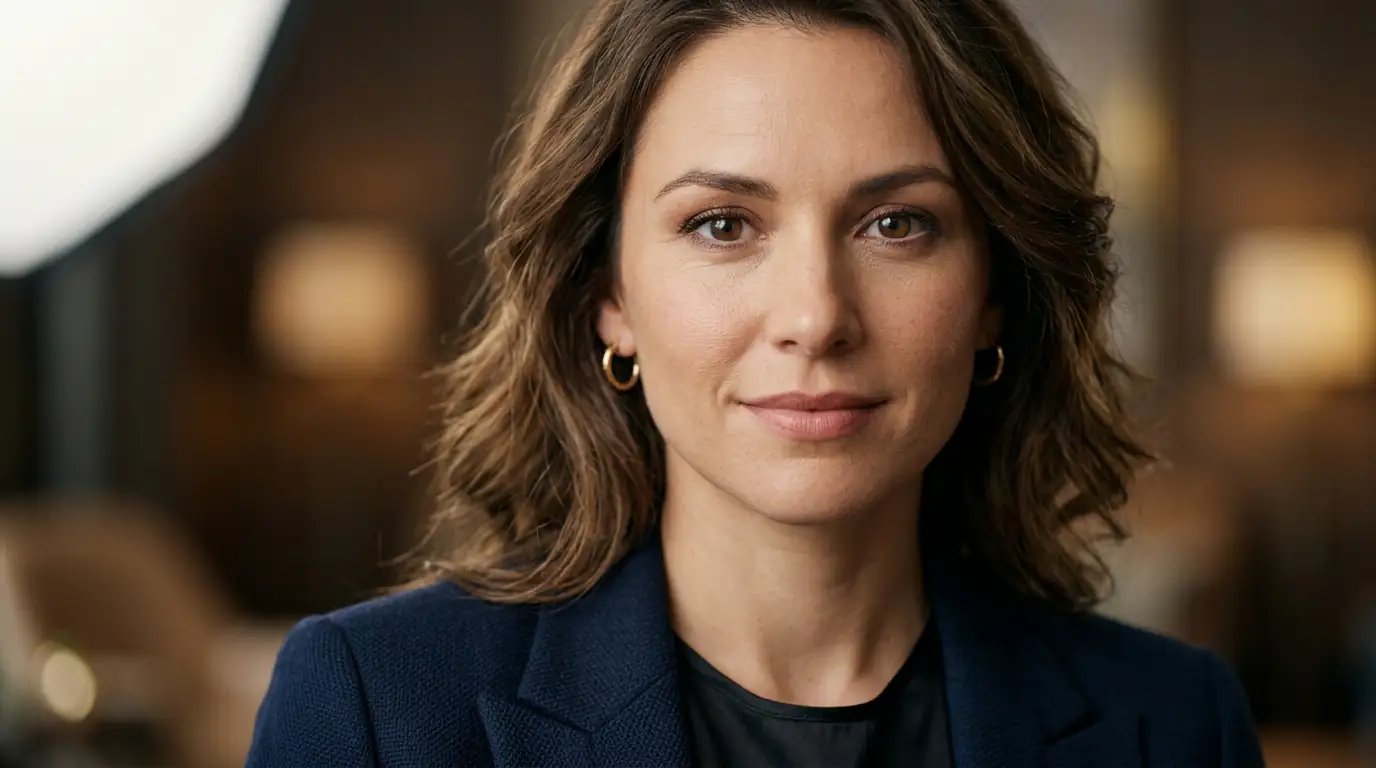
Highest quality for professional work
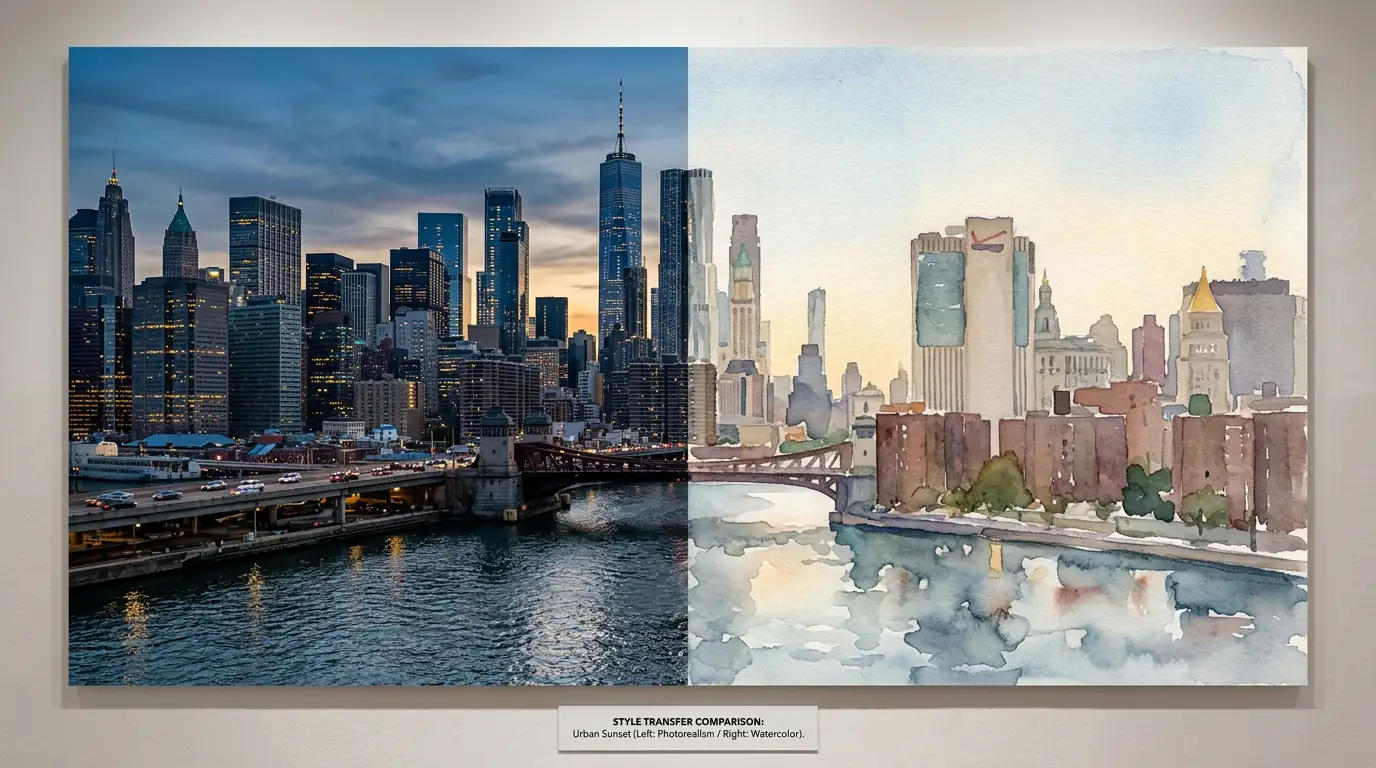
Best style transfer and prompt adherence
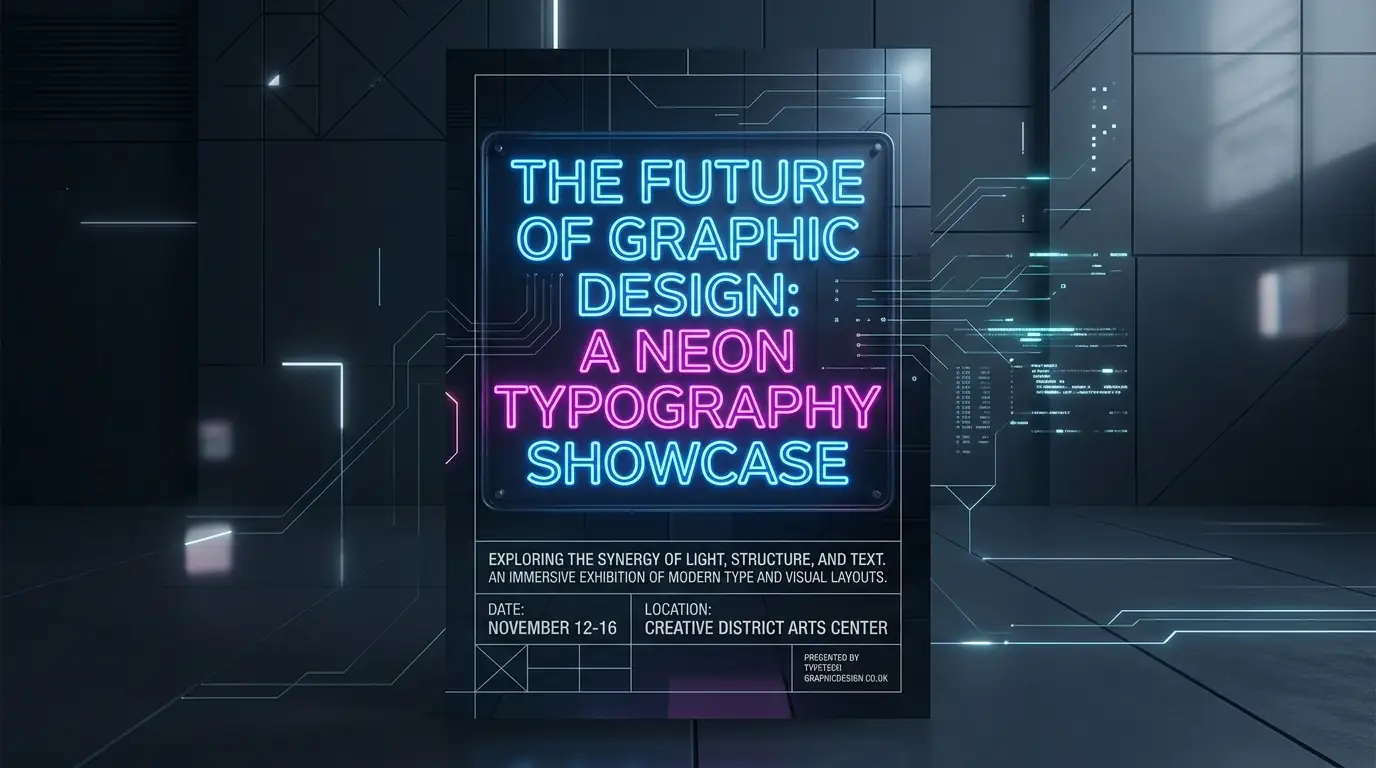
Superior text rendering and structured layouts
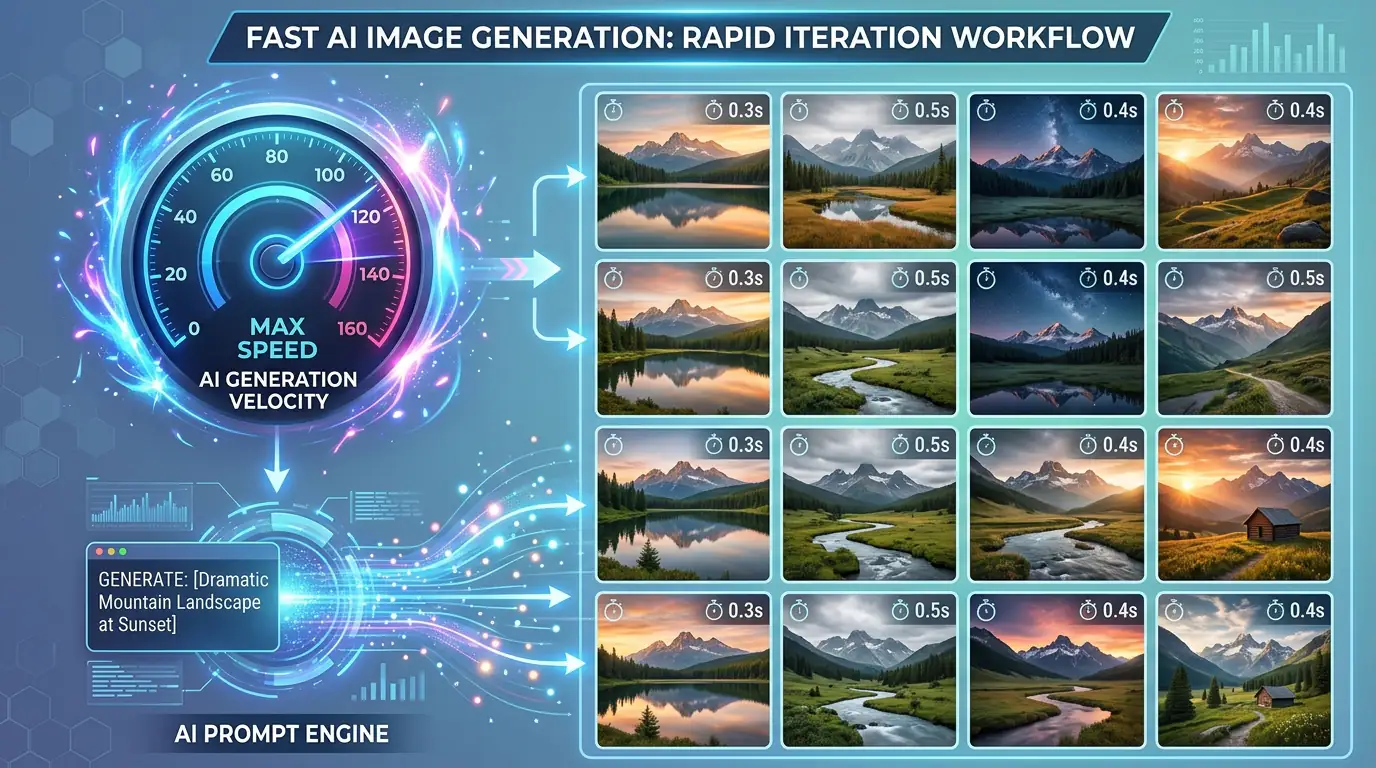
Fast, affordable, and incredibly detailed
Explore Text to Image Art Styles
Our text to image generator supports a wide range of visual art styles. Describe the style in your prompt — photorealistic, oil painting, anime, watercolor, 3D render, or digital illustration — and watch the AI bring your vision to life.
Photorealistic
Generate images that look like real photographs. Perfect for product mockups, architectural visualizations, and lifestyle imagery that needs to feel authentic and professional.
Digital Art & Illustration
Create vibrant digital illustrations, concept art, and stylized artwork. Ideal for book covers, game assets, and creative projects that need a unique artistic touch.
Oil Painting
Produce images with the rich textures and brush strokes of classical oil paintings. Great for portraits, landscapes, and still life compositions with a timeless aesthetic.
Anime & Manga
Generate characters and scenes in popular anime and manga art styles. Perfect for character design, fan art, and storytelling visuals with expressive, stylized features.
3D Render
Create polished 3D-rendered images with realistic lighting and materials. Excellent for product visualization, UI mockups, and architectural renders that need a clean, modern look.
Watercolor
Produce soft, flowing watercolor effects with delicate color transitions. Ideal for invitations, greeting cards, editorial illustrations, and dreamy artistic compositions.
See What AI Can Create
Real examples generated by our AI text to image models. Each image started as a simple, descriptive text prompt.
Prompt: Portrait of a woman surrounded by cherry blossoms, golden hour, DSLR 85mm
Prompt: Floating islands above clouds, fantasy landscape, epic cinematic lighting
Prompt: Luxury chronograph watch on marble surface, studio lighting, product photography
Prompt: Cyberpunk cityscape at night, neon signs, rain reflections, digital art
Prompt: Mountain range at sunset, oil painting, impasto technique, warm tones
Prompt: Anime warrior princess, cherry blossom background, detailed armor design
Text to Image Use Cases
From product shoots to personal art projects — if you can describe it, you can generate it. Text to image AI opens up creative possibilities for professionals and hobbyists across every industry: advertising, e-commerce, architecture, interior design, and fashion. Explore the most popular use cases below.
Digital Art & Illustration
Explore styles, push creative concepts, and produce gallery-ready pieces without touching a brush. The generator handles execution — your job is just to direct it. Create stunning illustrations, concept art, and visual experiments in seconds.
Marketing & Ad Creatives
Stop hunting for stock photos that almost match your brief. Generate campaign images, ad creatives, and social content that fit your brand exactly. Iterate until they're perfect — no expensive photoshoots required.
E-Commerce Product Images
Place your product in any setting, any lighting, any background — all without booking a shoot. Generate dozens of variations in the time it would take to set up a single scene in real life. Update your catalog without reshooting.
Architecture & Interior Design
Drop in new furniture, change wall colors, or restyle an entire room just by describing what you want. Make confident design decisions before spending a single dollar on materials. Visualize concepts for clients in minutes.
Tattoo & Fashion Design
Describe your concept and get a detailed visual reference in seconds. Walk into your appointment with a clear direction instead of a vague description. Generate fashion concepts, textile patterns, and wearable art.
Social Media Content
Create scroll-stopping visuals for Instagram, TikTok, Twitter, and LinkedIn. Generate branded graphics, story templates, and attention-grabbing thumbnails that boost engagement without hiring a design team.
Tips for Writing Effective Text to Image Prompts
Master the art of prompt writing to get the best results from text to image generation. A well-crafted prompt can be the difference between a generic image and exactly what you envisioned. Follow these proven tips to write effective prompts that consistently produce stunning, usable images.
Start with a Clear Subject
Begin your prompt with the main subject clearly defined. The first few words carry the most weight in how the AI interprets your request. For example, start with 'A golden retriever puppy' rather than 'In a park there is a puppy that is golden.' This front-loading technique ensures the AI prioritizes your subject correctly and allocates the most detail to it.
Add Style Modifiers Early
Place style keywords like 'oil painting,' 'watercolor,' 'photograph,' or 'digital illustration' near the beginning of your prompt. Style modifiers set the overall rendering approach and influence every aspect of the output. A photograph of a castle looks completely different from an oil painting of the same castle, and the AI needs to know your intent before it starts generating.
Include Lighting and Atmosphere
Lighting is one of the most impactful elements in AI-generated images. Specify the lighting setup: 'golden hour sunlight,' 'dramatic side lighting,' 'soft diffused studio light,' or 'neon-lit darkness.' Lighting transforms a flat image into something atmospheric and professional. Even simple additions like 'cinematic lighting' can dramatically improve the output quality.
Specify Resolution and Quality
Include quality keywords to guide the AI toward higher-fidelity output: 'highly detailed, sharp focus, professional quality, 4K.' These terms signal the model to invest more rendering capacity into fine details and textures, resulting in crisper, more polished images that meet professional standards.
Use Negative Prompts Strategically
Negative prompts tell the AI what to avoid. Common negative prompt elements include 'blurry, low quality, distorted, watermark, text, deformed, ugly, extra limbs.' Think of negative prompts as guardrails that channel the AI toward your desired quality level. They are especially useful when you notice recurring artifacts or unwanted elements in your generations.
Iterate and Refine
Rarely does the first generation perfectly match your vision. Use each result as a learning opportunity — identify what works and what needs adjustment, then modify your prompt accordingly. Small tweaks to adjectives, lighting descriptions, or composition instructions can transform a mediocre output into exactly what you envisioned. Keep a prompt journal to track what works best.
How Does Kairval Compare to Other Text to Image Tools?
Go from idea to finished image before you could even open Photoshop. Traditional image creation requires expensive software, years of training, and hours of manual work. AI text to image generation eliminates all of that — type a prompt, get a unique, high-quality image in seconds. No subscriptions, no design skills, no waiting. Every image is yours to use commercially, with no attribution required.
faster than Photoshop
stock photo subscriptions
software to install
Kairval vs Other AI Image Generators
See how Kairval stacks up against other popular AI text to image tools. Unlike single-model platforms, Kairval gives you access to multiple top-tier models in one place — with a free tier, no sign-up walls, and full commercial rights on every image you generate.
| Feature | Kairval | Midjourney | DALL-E 3 | Stable Diffusion |
|---|---|---|---|---|
| Free to start | ✓ | ✗ | ✗ | ✗ |
| Multiple AI models | ✓ | ✗ | ✗ | ✗ |
| No sign-up required | ✓ | ✗ | ✗ | ✗ |
| Commercial rights included | ✓ | ✓ | ✓ | ✗ |
| Browser-based (no install) | ✓ | ✗ | ✓ | ✗ |
| Compare models side by side | ✓ | ✗ | ✗ | ✗ |
Explore More AI Tools
Discover related AI tools and models
FLUX.2 Pro
Professional-grade image generation with multi-reference editing and 4MP output.
GPT-4o Image
OpenAI's multimodal image model with photorealistic output.
Imagen 3
Google DeepMind's photorealistic diffusion model.
Image to Image Generator
Transform existing images with AI-powered style transfer and editing.
Frequently Asked Questions
Ready to Create?
Join millions of creators. Start generating stunning AI content today.
Get Started Free