GPT Image 2
Precision Typography & Photorealistic Detail
OpenAI's most advanced image generation model — precise typography, photorealistic detail, and intelligent editing in a single tool
Create stunning AI art & videos. No login needed.
What Is GPT Image 2?
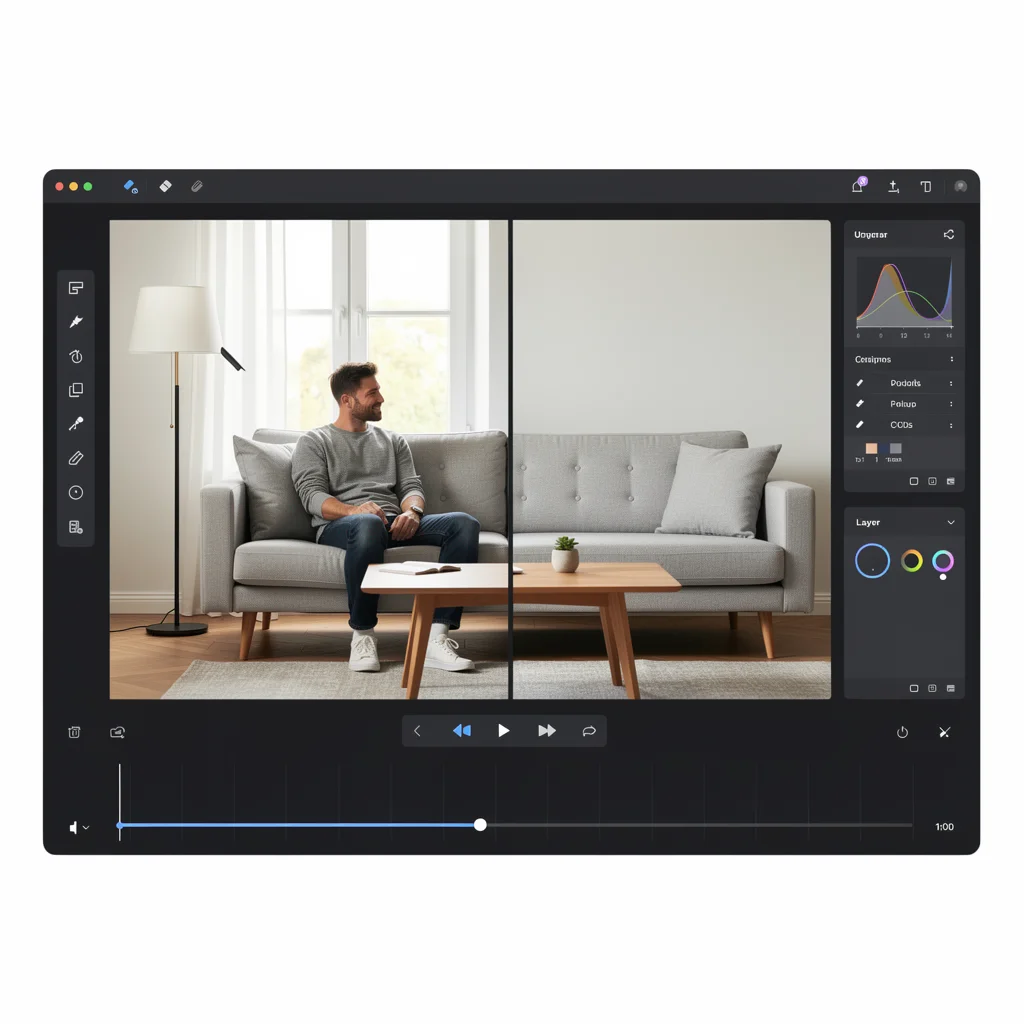
GPT Image 2 is OpenAI's latest and most advanced image generation model, purpose-built to deliver exceptional visual fidelity with industry-leading typography rendering. It supports both text-to-image generation and image-to-image editing, offers three quality tiers for flexible cost and detail control, and can produce images up to 3840 pixels on the longest edge in JPEG, PNG, or WebP format. Building on the multimodal intelligence of GPT-4o, it understands nuanced natural language prompts and translates them into visually precise output — correctly spelled text, coherent spatial layouts, photorealistic textures, and contextually accurate compositions. Whether you are creating typography-heavy marketing materials, photorealistic product imagery, or iteratively editing existing visuals, GPT Image 2 provides the precision and flexibility that professional workflows demand.
GPT Image 2 Key Features
Fine typography, photorealistic detail, intelligent editing, and flexible output options — the capabilities that set GPT Image 2 apart from every other image generation model.
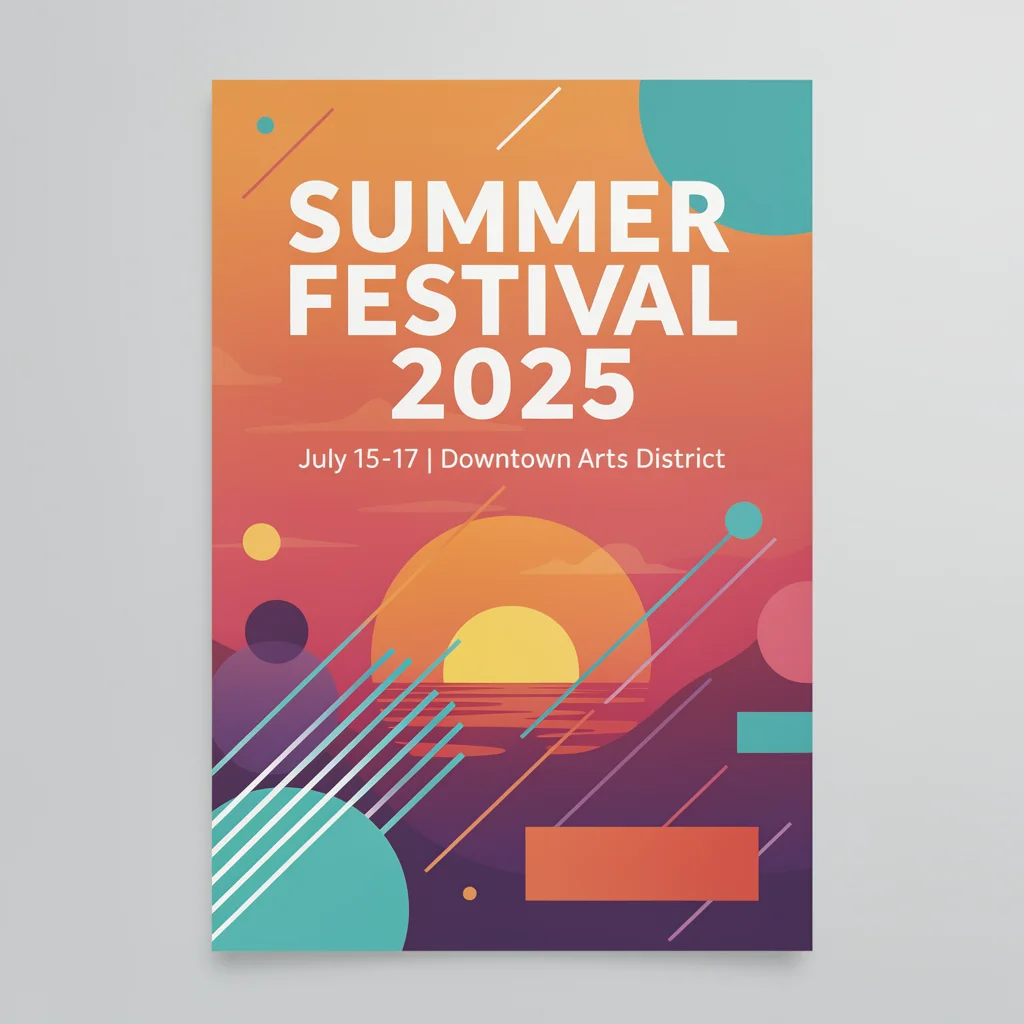
Fine Typography Rendering
Generate images with precisely rendered text — correct spelling, consistent font weights, proper alignment, and clean kerning across headlines, labels, and body copy. GPT Image 2 handles complex typographic layouts that other AI models typically garble, making it the go-to choice for posters, social media graphics, and branded materials where text accuracy is non-negotiable.
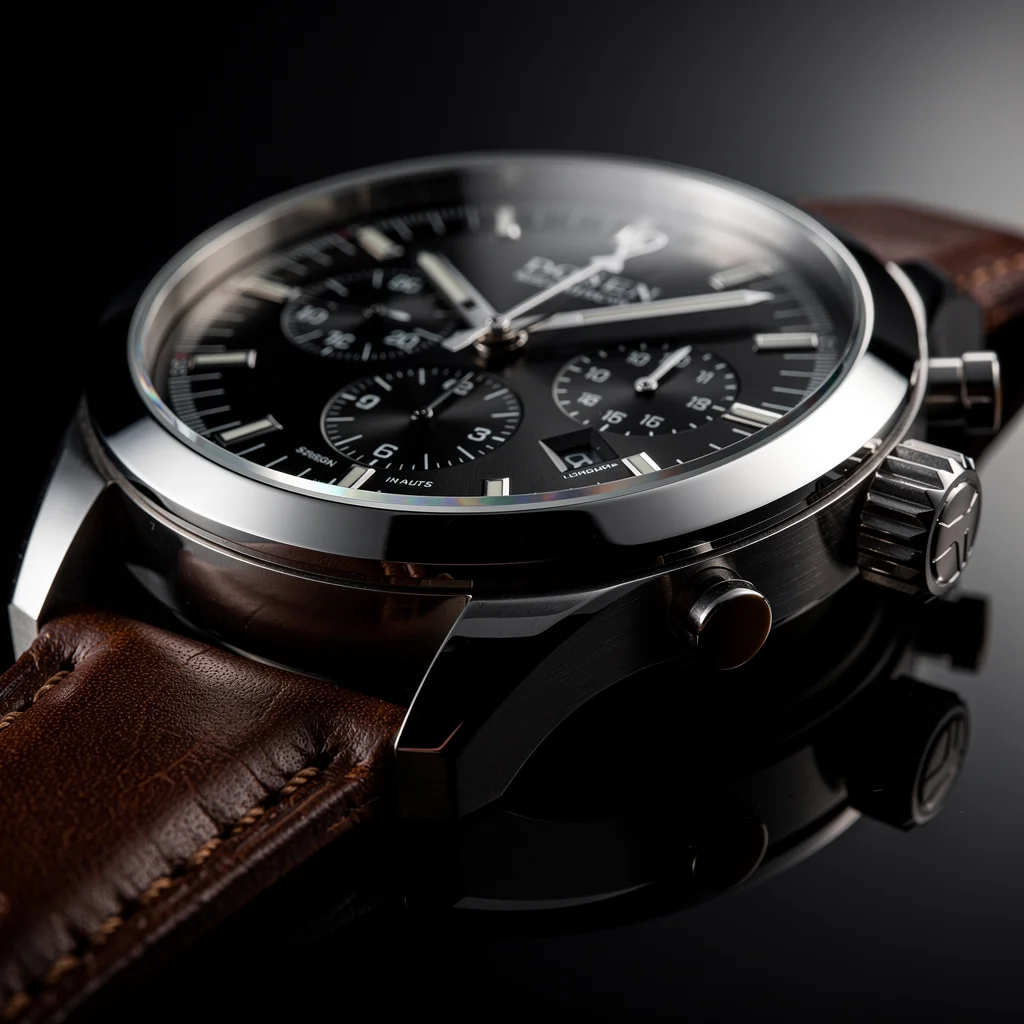
Photorealistic Detail
Produce images with an extraordinary level of visual fidelity — from the subtle texture of skin and fabric to the play of light on metal and glass surfaces. The model captures environmental lighting, reflections, shadows, and material properties with a realism that approaches professional photography, enabling product mock-ups and lifestyle imagery that pass close visual inspection.
Intelligent Image Editing
Upload an existing image and describe the changes you want — remove an object, swap a background, adjust lighting, or restyle the entire composition. GPT Image 2 applies edits with contextual intelligence, preserving the original image's quality and coherence while making only the requested modifications, enabling a fast and natural iterative design workflow.
GPT Image 2 vs Other AI Image Models
GPT Image 2 is OpenAI's most capable image generation model, building on the foundation of GPT-4o Image and DALL-E 3 with significantly improved typography rendering, higher maximum resolution, and a dedicated image editing mode. Compared to GPT-4o Image, it delivers sharper text at small sizes, supports three distinct quality tiers for cost control, and can output images up to 3840 pixels on the longest edge. Against DALL-E 3, the advantages are even more pronounced: faster generation, more accurate prompt adherence, native image-to-image editing, and multi-format output (JPEG, PNG, WebP). While Midjourney v6 and FLUX.2 Pro remain strong competitors for artistic and stylized work, GPT Image 2 leads in text-heavy, detail-critical, and editing-intensive workflows where precision matters more than stylistic flair.
Typography-Heavy Design
Graphic designers and brand teams can produce posters, flyers, social media graphics, and packaging mock-ups with accurately rendered headlines, body text, and fine print. GPT Image 2's typography engine handles complex multi-line layouts, consistent font pairings, and precise alignment — eliminating the need to manually typeset AI-generated visuals in a separate design tool before presenting to clients or stakeholders.
Photo-Realistic Marketing
Marketing and advertising teams can generate photorealistic product shots, lifestyle imagery, and editorial visuals without scheduling photo shoots. The model renders fine material textures, accurate lighting, and environmental context with enough fidelity for large-format displays, print advertisements, and high-resolution web placements — reducing production timelines from weeks to minutes while maintaining professional visual standards.
Iterative Image Editing
Designers and art directors can upload an existing image and request targeted modifications — remove an object, swap a background, adjust color grading, or restyle an entire composition. GPT Image 2 applies edits intelligently while preserving the quality and coherence of the original, enabling a fast iterative workflow that dramatically reduces the number of regeneration cycles needed to reach an approved final asset.
Multi-Format Content Creation
Content teams producing assets for multiple platforms can generate images in JPEG, PNG, and WebP formats at various resolutions and aspect ratios from a single prompt. Create a coordinated set of visuals for web banners, social posts, email headers, and print collateral simultaneously, maintaining brand consistency across every channel while adapting each output to its specific technical requirements and delivery context.
How to Use GPT Image 2
Get professional-quality images in three straightforward steps using GPT Image 2 on VesperAPI. The workflow supports both text-to-image generation and image-to-image editing, giving you flexibility to create from scratch or build on existing visuals.
1. Describe Your Vision
Enter a detailed text description of the image you want to create. Be specific about composition, text content, style, colors, and layout — the more precise your prompt, the more accurately GPT Image 2 will render your vision, especially when typography and fine detail are involved. Include exact text you want displayed, specify font styles, and describe spatial relationships between elements.
2. Upload References
For image editing tasks, upload a reference image alongside your text instructions. GPT Image 2 analyzes the existing image and applies your described changes intelligently — whether that is removing an object, replacing a background, adjusting colors, or restyling the composition. Reference images dramatically improve editing accuracy and help the model understand the context of your modifications.
3. Download and Iterate
Review the generated output, download your favorites in JPEG, PNG, or WebP format, and iterate as needed. If the result is close but not perfect, use the editing mode to refine specific elements without starting over. Adjust quality tiers between generations to find the right balance of detail and speed for your project requirements.
GPT Image 2 delivers dramatically superior typography rendering compared to DALL-E 3, correctly spelling text at small sizes and maintaining consistent font weights across complex multi-line layouts. Where DALL-E 3 frequently garbles fine print or produces inconsistent letter spacing, GPT Image 2 handles headlines, body copy, and captions with professional-grade precision that approaches production-ready typesetting.
While Midjourney v6 excels at artistic and stylized imagery, GPT Image 2 outperforms it in text-heavy compositions and photorealistic product rendering. Midjourney's text rendering remains approximate at best, whereas GPT Image 2 produces reliably spelled, properly aligned text — making it the stronger choice for marketing materials, brand collateral, and any project where typographic accuracy is essential alongside visual quality.
GPT Image 2 matches FLUX.2 Pro in photorealistic detail while surpassing it in typography accuracy and adding native image-to-image editing capabilities. FLUX.2 Pro generates excellent standalone images but lacks the contextual editing intelligence that GPT Image 2 provides — the ability to upload a reference and request targeted modifications while preserving the original's coherence gives GPT Image 2 a decisive advantage in iterative professional workflows.
What GPT Image 2 Excels At
GPT Image 2 shines brightest in scenarios that demand fine detail, accurate text rendering, or intelligent editing of existing visuals. Whether you are producing typography-driven marketing materials, photorealistic product imagery, or iterating on an existing design through targeted edits, these are the use cases where the model consistently outperforms other image generators. Its ability to combine language understanding with visual precision makes it the preferred choice for professionals who cannot afford visual errors or typographic mistakes in their output.
Typography-Heavy Design
GPT Image 2 produces typographic output so precise that designers use it for mock-ups before committing to production. Posters, social media graphics, book covers, and brand collateral with headlines, taglines, and body copy are rendered with correct kerning, consistent weight, and pixel-perfect alignment — saving hours of manual typesetting and layout adjustment across both digital and print projects.
Photo-Realistic Marketing
Marketing teams and advertising agencies can generate product shots, lifestyle scenes, and editorial imagery that rival professional photography. The model renders fine textures — fabric weave, metal reflections, skin pores, and environmental lighting — with enough fidelity for large-format displays and high-resolution print campaigns without a separate photo shoot.
Iterative Image Editing
Creative professionals can upload an existing image and describe precisely what to change — remove an object, swap a background, adjust lighting, or restyle an entire composition — and GPT Image 2 applies edits while preserving the original's quality and coherence. This iterative workflow dramatically reduces the number of regeneration cycles needed to reach a final approved asset.
Pro Tips for GPT Image 2
Maximize the quality and efficiency of every GPT Image 2 generation with these practical techniques. Professional designers and content teams consistently report better results when following these guidelines, particularly for typography-heavy outputs and iterative editing workflows where precision and iteration speed are critical.
#1Specify Text Content Precisely
When your image needs to include text, specify the exact wording, preferred font style, and placement in your prompt. GPT Image 2 renders typography best when you are explicit — write the text in quotes within your prompt, indicate whether it should be a headline, subtitle, or label, and describe the desired visual style. Vague instructions like 'add some text' produce less reliable results than 'display the headline "SUMMER SALE" in bold white sans-serif letters across the top third of the image.'
#2Choose Quality Tiers Strategically
Use the low quality tier for rapid concept exploration and ideation, the medium tier for standard marketing content and social media assets, and reserve the high tier for print materials, large-format displays, and client-facing presentations where maximum detail matters. This strategic approach keeps your credit usage efficient while ensuring every deliverable meets the quality bar its context demands.
#3Use Reference Images for Editing
For editing tasks, always upload the source image rather than trying to describe it from scratch. GPT Image 2's image-to-image capability is significantly more accurate than text-to-image reconstruction of an existing visual. Provide clear, specific instructions about what to change and what to preserve — the model responds best to targeted edit descriptions like 'remove the water bottle from the desk' rather than vague requests like 'make it cleaner.'
#4Leverage Aspect Ratios for Your Use Case
Match your aspect ratio to the intended platform — 16:9 for YouTube thumbnails and blog headers, 1:1 for Instagram posts, 9:16 for Stories and Reels, and 4:3 or 3:2 for print materials. GPT Image 2 maintains consistent quality and text legibility across all supported ratios, so choosing the right one upfront saves cropping and recomposing later in your production pipeline.
GPT Image 2 Gallery
Explore real outputs generated with GPT Image 2 showcasing its typography precision, photorealistic detail, and intelligent editing capabilities across diverse creative applications
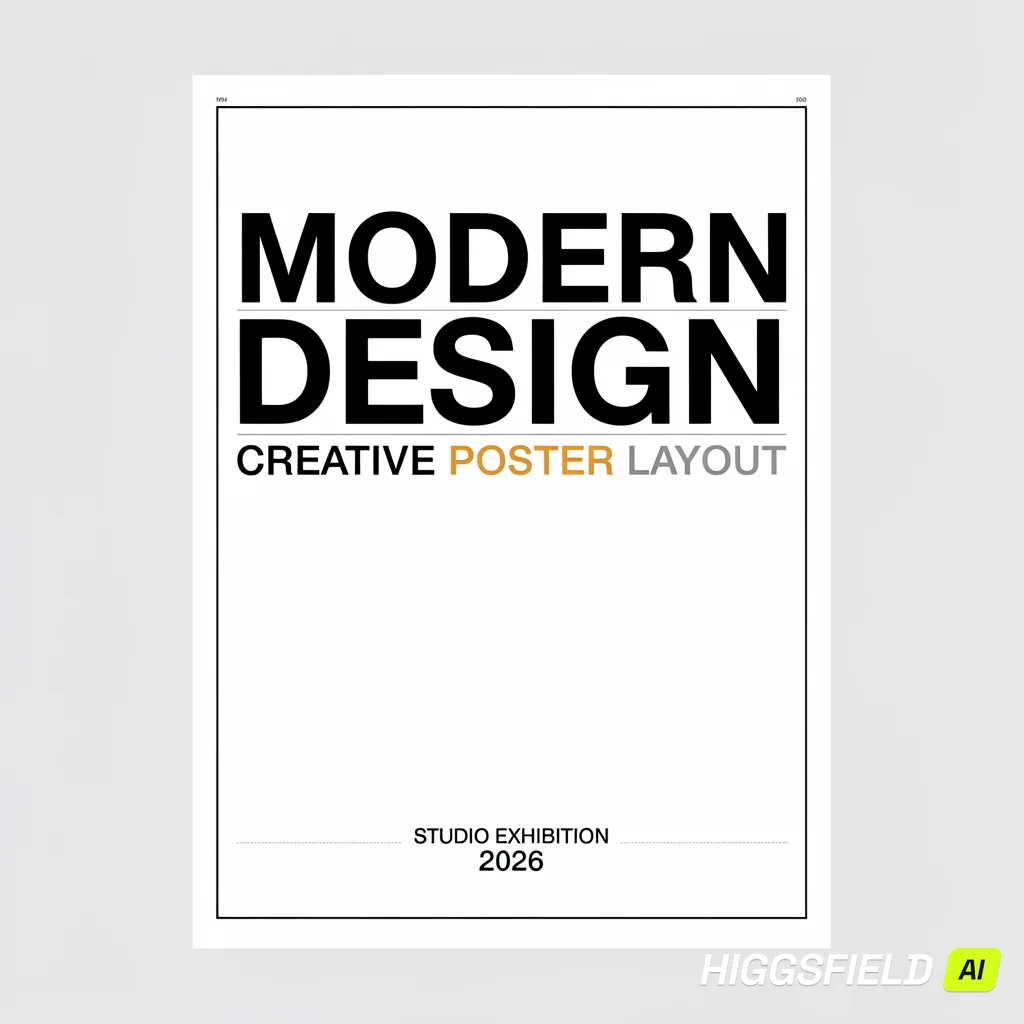
"A modern poster design featuring perfectly rendered typography with precise spelling, clean kerning, and consistent font weights on a minimalist background, professional graphic design quality."
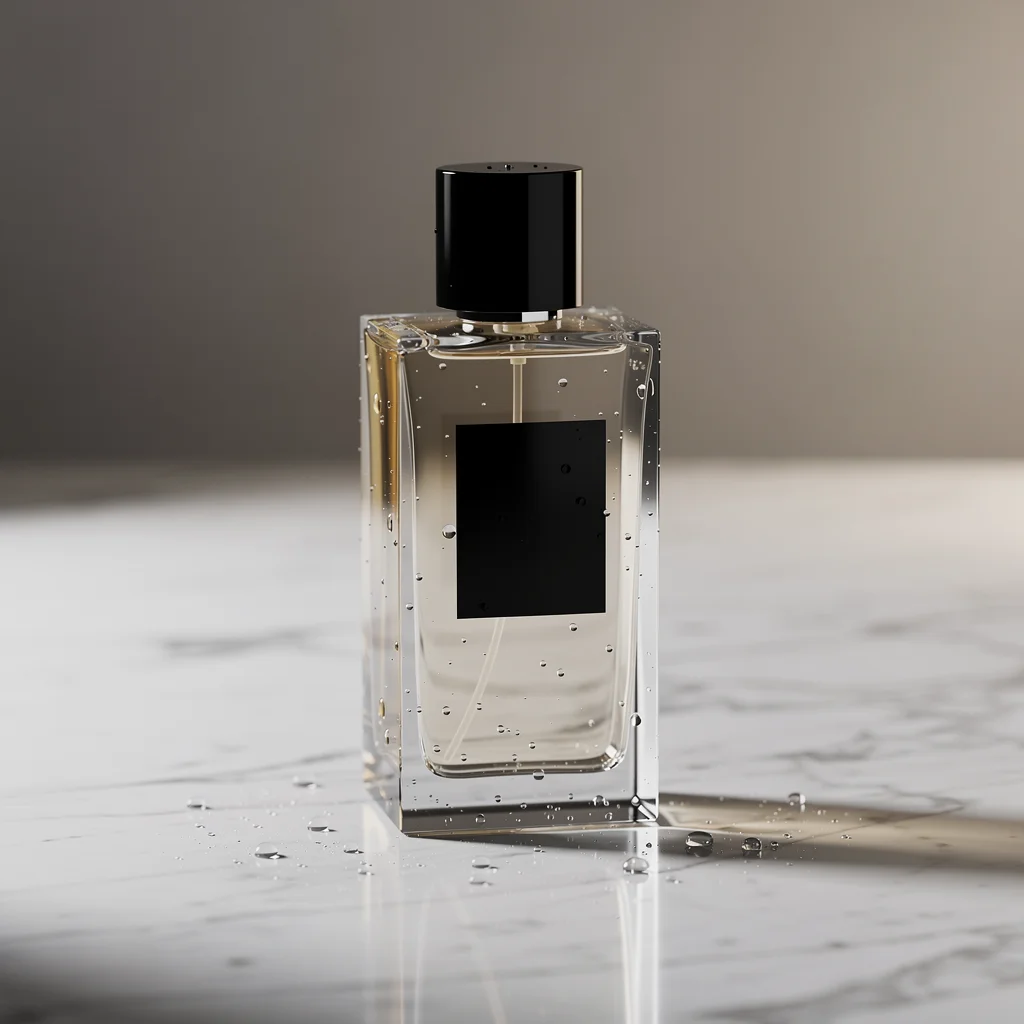
"Photorealistic product shot of a luxury perfume bottle on a marble surface with accurate glass reflections, water droplets, and soft environmental lighting, commercial photography style."
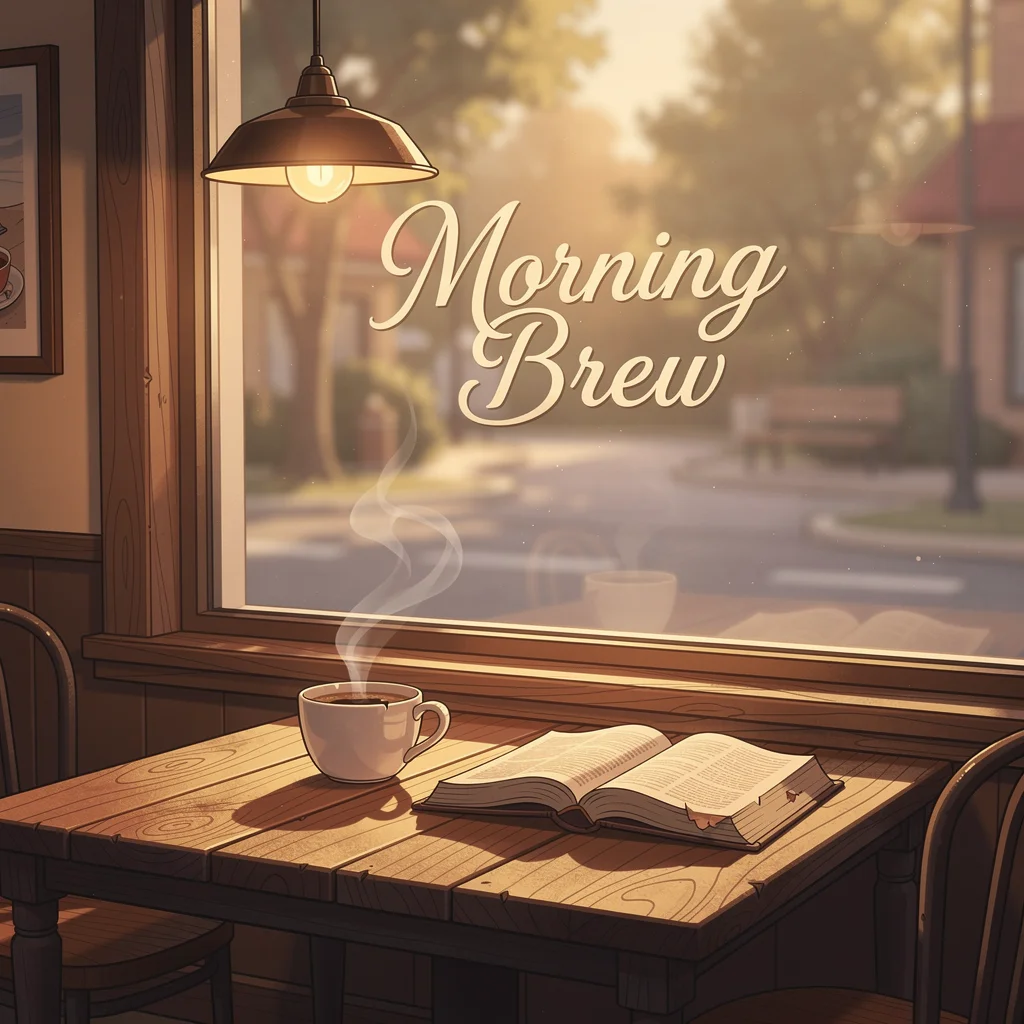
"A creative illustration showing a cozy café scene with warm lighting, a steaming coffee cup, and a book on a wooden table, with the text "Morning Brew" perfectly rendered in elegant script typography on the window."
Explore More AI Tools
Discover related AI tools and models
Text to Image Generator
Generate stunning images from text descriptions with top AI models.
GPT-4o Image
OpenAI's multimodal image model with photorealistic output.
FLUX.2 Pro
Professional-grade image generation with multi-reference editing and 4MP output.
Ideogram V3
Industry-leading text rendering and typography in generated images.